
PS to HDMI Converter for PS1 / PS2
4.3Editor score
S-Video Based Conversion
Includes HDMI Cable
Micro USB Power
Discover the top HDMI adapters for PlayStation 1 to connect retro consoles to modern TVs. This guide compares signal quality, latency, and compatibility for
Connecting your classic PlayStation 1 to modern displays requires the right HDMI adapter. These devices convert analog signals to digital HDMI, ensuring you can enjoy retro gaming on HD screens with minimal hassle.
We evaluated ten top-rated adapters based on signal processing, ease of use, and compatibility with various PS1 models. Each product offers unique features like aspect ratio switching and RGB support for enhanced visual fidelity.
Each pick highlights specific strengths and potential drawbacks to help you choose wisely. Prices may fluctuate, so check current listings for the best deals before making your final purchase decision today.
4.3Editor score

4.6Editor score

4.2Editor score
This side-by-side comparison highlights key differences across all ten adapters to help you select the perfect match for your setup.




This HD Link cable stands out as the top choice for connecting your PS1 to modern displays. With its 4.6 rating, it promises high precision in color and resolution conversion from analog to digital signals.
We may earn a commission when you buy through this link, at no additional cost to you.
The built-in switch for 4:3 and 16:9 ratios ensures you get the authentic retro feel or widescreen view depending on your preference. Its detachable design allows flexibility with cable lengths without compromising signal integrity.
While it is slightly more expensive than some alternatives, the consistent performance and low latency make it worth the investment for serious retro gaming. The included warranty adds peace of mind for long-term use.
If you value image fidelity and convenience without complex setups, this adapter is the perfect fit. It transforms your old console experience into a crisp modern session effortlessly.
Toggle between classic and widescreen modes instantly to match your display setup perfectly.
Enjoy improved colors and details through advanced signal processing designed specifically for retro consoles.
We may earn a commission when you buy through this link, at no additional cost to you.
This converter offers a straightforward way to modernize your PS1 setup without breaking the bank. By using the S-Video output, it provides a cleaner signal path than standard composite video options.
We may earn a commission when you buy through this link, at no additional cost to you.
The package includes all necessary cables, meaning you can start playing quickly after unboxing. It supports HDMI TVs and projectors, making it versatile for various gaming environments.
Keep in mind that video quality ultimately depends on your console's original signal quality. However, for casual gamers looking for a hassle-free experience, this adapter delivers solid value.
If you need an affordable solution that includes cables and works reliably, this is an excellent choice. It bridges the gap between old hardware and new screens efficiently.
Save time and money as the kit comes with HDMI and power cables included right out of the box.
Leverage S-Video inputs for better clarity compared to basic composite video connections.
We may earn a commission when you buy through this link, at no additional cost to you.
This cable is designed for enthusiasts who demand top-notch performance from their retro setups. The component cable quality ensures vibrant colors and sharp images when connected to HD TVs.
We may earn a commission when you buy through this link, at no additional cost to you.
Switching between RGB and component modes is straightforward, allowing you to optimize settings based on your console and TV capabilities. The durability ensures it withstands frequent use over time.
While it costs more than standard adapters, the quality of signal and customer support justify the expense. It provides peace of mind with a full year of repair or replacement coverage.
Choose this if you want a premium experience and long-term reliability. It transforms your PS1 gaming into a crisp and engaging modern viewing session.
Easily switch between video modes to get the best image output for your specific TV setup.
Built with robust materials to ensure long-lasting performance even with daily gaming sessions.
We may earn a commission when you buy through this link, at no additional cost to you.
This adapter focuses on delivering true RGB signal output for accurate color reproduction. It is lightweight and portable, making it ideal for travel or casual home use.
We may earn a commission when you buy through this link, at no additional cost to you.
Installation is simple since no drivers are required; just plug it in and start playing. The advanced signal processing ensures you get the best possible resolution from your console.
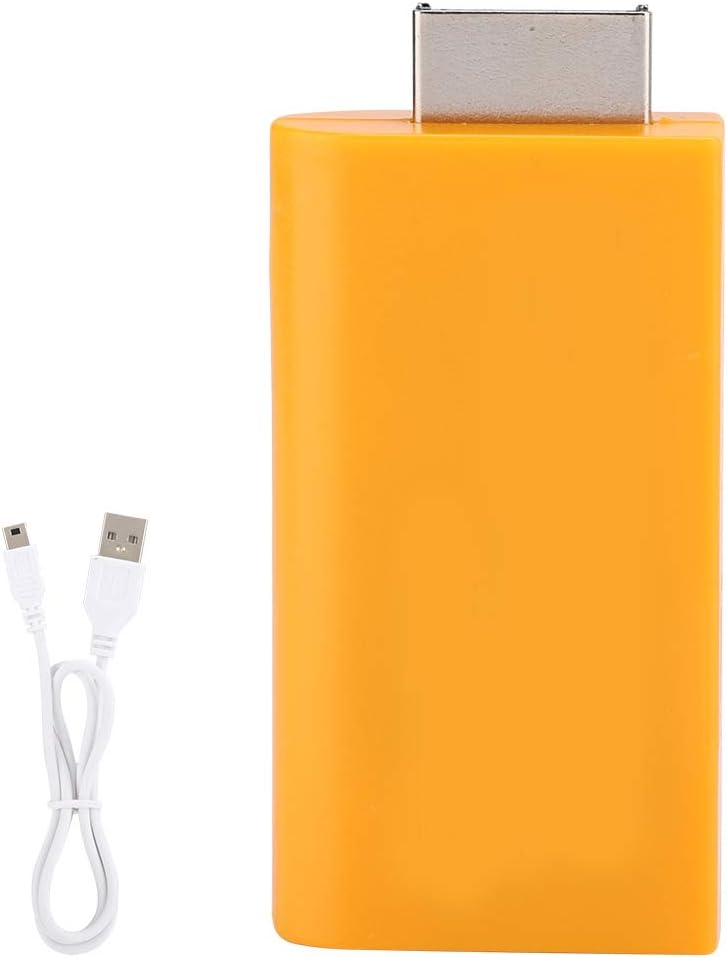
Note that the package only includes a micro cable without a power adapter, so you may need to source one separately. It is designed strictly for PS1 and PS2 systems.
If you want a lightweight solution with RGB support, this is a solid pick. It offers a balance of functionality and affordability for retro gaming setups.
Experience vibrant and precise colors thanks to true RGB signal output technology.
Take your retro console anywhere with this compact and lightweight adapter design.
We may earn a commission when you buy through this link, at no additional cost to you.
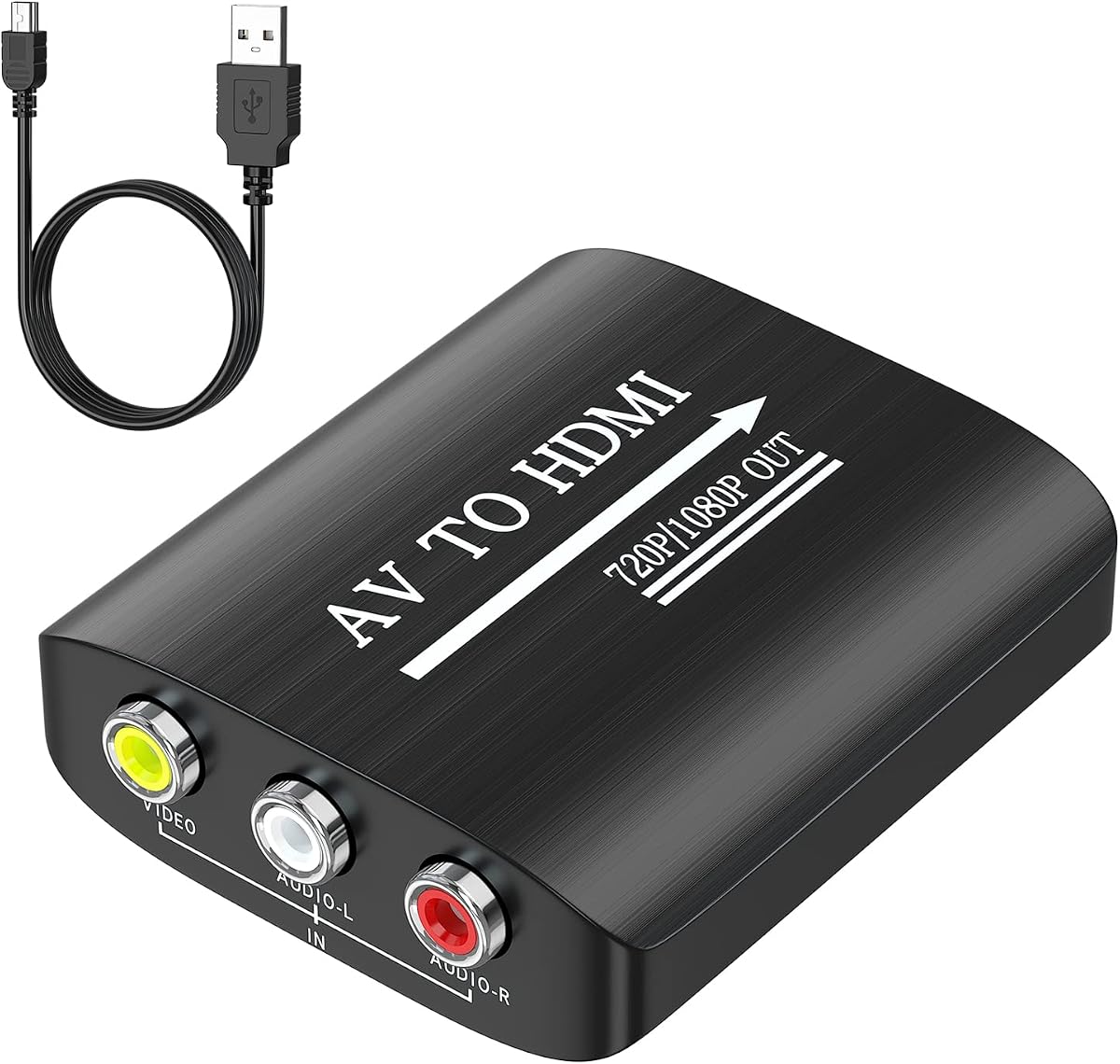
This converter is designed for versatility, supporting a wide range of retro consoles and devices. It converts composite AV inputs to high-definition HDMI outputs for modern viewing.
We may earn a commission when you buy through this link, at no additional cost to you.
The package includes a USB power cable, ensuring you have the necessary power supply for operation. It supports various TV formats like PAL and NTSC for global compatibility.
Keep in mind it only works well if your PS2 is set to RGB output. While it does not enhance original video quality, it transmits the signal cleanly to your display.
Ideal for multi-console setups, this adapter is a practical choice. It simplifies connecting various retro devices to your modern entertainment system effortlessly.
Connect diverse devices from VHS players to modern consoles with a single adapter.
Set up and start playing in minutes with no driver installations required.
We may earn a commission when you buy through this link, at no additional cost to you.
This adapter focuses on converting standard RCA signals to HD HDMI with straightforward setup. It supports multiple standard TV formats, making it suitable for various regions.
We may earn a commission when you buy through this link, at no additional cost to you.
The plug and play design ensures you can get started immediately. It includes an HDMI cable and USB cable for power, reducing additional purchases.
Although it does not support 3D or 4K, it reliably transmits 1080p signals. The warranty offers protection if you encounter any issues with the product.
Great for basic setups, it handles the conversion task efficiently. It is a reliable way to modernize your classic console setup with minimal effort.
Compatible with PAL, NTSC, and SECAM standards for global use.
No complex configuration is needed to get your console running on an HD TV.
We may earn a commission when you buy through this link, at no additional cost to you.
This adapter is designed to handle various classic consoles including PS1, PS One, and PS2 models. It upscales analog signals to crisp digital HDMI outputs for modern displays.
We may earn a commission when you buy through this link, at no additional cost to you.
The built-in switch for RGB and component modes ensures you get the right signal for your specific console. This prevents display issues and optimizes image quality.
Zero transmission loss means you retain as much detail as possible from the original source. It supports common resolutions like 240p and 480i effectively.
Ideal for collectors with multiple versions of PlayStation consoles, this is a robust choice. It keeps your setup organized and functional with high compatibility.
Retain full detail from the original analog signal during digital conversion.
Compatible with PS1, PS One, and both Fat and Slim PS2 versions.
We may earn a commission when you buy through this link, at no additional cost to you.
This adapter simplifies the setup process by working without manual Y/Cb/Pb/Cr/Pr configurations. It supports a variety of video formats from different regions, ensuring compatibility.
We may earn a commission when you buy through this link, at no additional cost to you.
The aspect ratio button allows switching between classic 4:3 and modern 16:9 modes instantly. This flexibility makes it suitable for various display preferences.
HDMI cable is not included, so ensure you have one ready before starting. However, the lightweight design makes it easy to carry or store when not in use.
Perfect for family game nights or quick setups, it offers reliable performance. It helps restore authentic retro gaming proportions on modern screens effortlessly.
Toggle between display modes to suit your screen or personal preference easily.
Supports PAL, NTSC, and SECAM formats for use anywhere in the world.
We may earn a commission when you buy through this link, at no additional cost to you.
This adapter focuses on signal clarity through its anti-interference design. The shielded cables help maintain clarity even during intense gaming sessions.
We may earn a commission when you buy through this link, at no additional cost to you.
Tinned internal copper wires resist oxidation, ensuring longevity and consistent performance. The compact palm-sized form factor makes it easy to store or transport.
While it is a straightforward tool without advanced features, it offers practicality for everyday use. It connects consoles to HDTVs and monitors seamlessly without fuss.
For those seeking a no-nonsense adapter with solid build quality, this works well. It is ideal for temporary setups or travel gaming scenarios.
Built-in shielding reduces noise and maintains clean audio and video output.
Store it in a drawer or bag easily thanks to its small form factor.
We may earn a commission when you buy through this link, at no additional cost to you.
This adapter supports multiple consoles, allowing you to connect various PlayStation models easily. It features a simple switch for changing aspect ratios to match your screen.
We may earn a commission when you buy through this link, at no additional cost to you.
The design prioritizes ease of use with no driver installation required. It offers flexible portability, making it suitable for home or travel gaming setups.
Keep in mind that it acts primarily as a signal transfer tool rather than an upscaler. It ensures compatibility but does not enhance the original video quality.
If you need a reliable and simple converter for multiple systems, this is a good option. It keeps your retro gaming setup connected and functional without complexity.
Change between standard and widescreen views instantly with a simple switch.
Connect PS1, PS2, and PS3 consoles to modern HD displays easily.
We may earn a commission when you buy through this link, at no additional cost to you.
Choosing the right HDMI adapter for your PS1 requires considering several key factors to ensure optimal performance and compatibility.
Different adapters accept various inputs like composite, component, or S-Video. Choose an adapter that matches your console's available output ports for best signal quality.
Match the input type to your console's capabilities to get the best possible image and audio.
Look for adapters with physical switches or settings to toggle between 4:3 and 16:9 ratios. This feature helps preserve the original game design on modern screens.
Aspect ratio switching ensures you get the authentic gaming experience without distortion.
While consoles output standard definition, adapters can upscale signals to 720p or 1080p. Check supported resolutions to ensure they match your TV's capabilities.
Higher resolution support ensures your old games look crisp on high-definition screens.
Some adapters come with necessary cables while others require separate purchases. Verify what is included to avoid unexpected extra costs.
Always check cable inclusions to ensure a complete setup upon purchase.
Many adapters require external USB power to operate correctly. Ensure you have access to a USB port or power supply for reliable performance.
Confirm power needs to prevent connectivity issues or signal loss during gameplay.
Durability matters for long-term use. Look for adapters with robust connectors and shields to reduce interference and extend lifespan.
Choose sturdy construction to prevent damage and ensure consistent signal over time.
A warranty provides protection against defects or malfunctions. Consider brands that offer reasonable support periods for added security.
Warranty options help safeguard your investment against potential hardware issues.
Some adapters work with multiple console models. Select one that supports all your systems to save money and simplify your setup.
Broad compatibility ensures you can use the same adapter for different retro consoles.
Connect the adapter to your console's AV port securely. Ensure the connection is tight to avoid signal dropouts during gameplay.
Plug the HDMI cable from the adapter into your TV. Select the correct HDMI source on your TV remote to view the console output.
Keep the adapter clean and dry. Avoid bending cables excessively to prevent internal wire damage and extend the adapter's lifespan.
While adapters can upscale signals to higher resolutions like 1080p, they do not add detail beyond the console's original output. Some models offer better color processing but cannot fully modernize the look.
Many adapters require external USB power to function properly. Check the product details to confirm if a power source is included or needs to be sourced separately.
Most adapters work with modern HDMI-enabled TVs and monitors. However, always verify the supported video formats like NTSC or PAL to ensure compatibility with your region.
This usually happens when the aspect ratio does not match the display settings. Use the adapter's switch to toggle between 4:3 and 16:9 modes to fix the display.
Yes, reputable adapters are designed to safely interface with legacy consoles. They typically draw power from USB ports without risking damage to the original hardware.
Many models support multiple console generations. Always check the product description to confirm compatibility with PS2 or PS3 systems before purchasing.
The HD Link HDMI Cable leads our list with its reliable performance and aspect ratio options. It offers the best balance of features for most retro gaming setups.
Prioritize compatibility and ease of use when selecting your adapter. Consider factors like included cables and support to ensure a smooth gaming experience.
Always check current pricing and availability since deals change frequently. Choosing the right adapter ensures you enjoy your favorite retro titles in high definition.