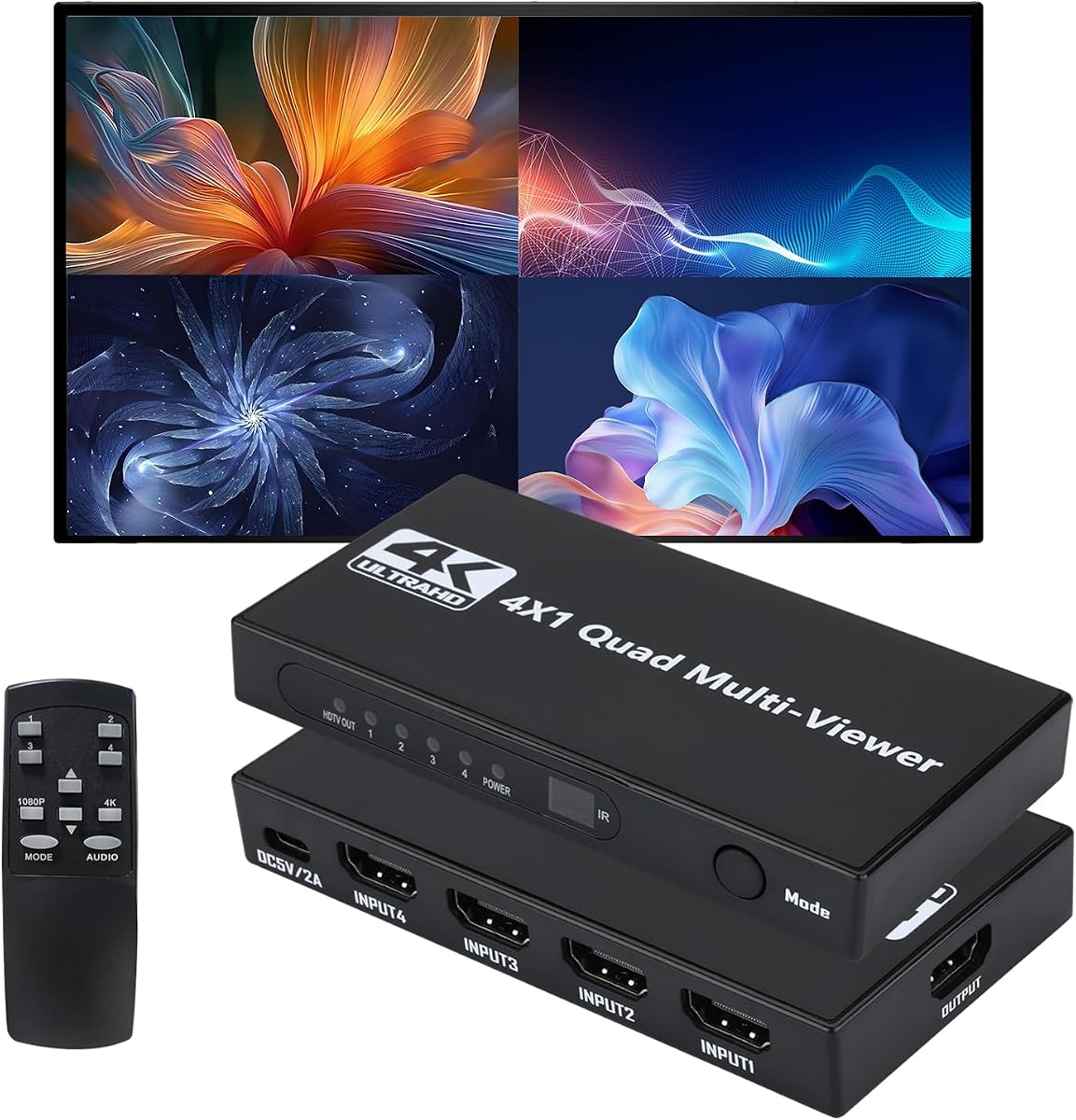
HDMI Multiviewer Switch 4 in 1 Out HDMI Quad Multi-Viewer switcher
4.8Editor score
12 Display Modes
4K@30Hz Support
IR Remote Included
This guide compares the top HDMI Multiviewer models for seamless switching and multi-screen viewing across gaming, security, and professional display setups.
Finding the right HDMI Multiviewer helps you display multiple sources on one screen. Look for seamless switching and high resolution support for the best experience.
We compared ten top-rated models based on resolution support, display modes, and compatibility. Our list covers options for home theater, security, and professional use.
Each pick shows key specs and real user ratings to help you decide. Keep in mind that prices and availability can change frequently on online marketplaces.
4.8Editor score

4.3Editor score

4.0Editor score
This side-by-side comparison highlights the key specifications of each HDMI Multiviewer to help you find the right fit for your setup needs.




This PORTTA HDMI Multiviewer offers great value for users needing seamless transitions. It scores 4.3 stars and supports up to 1080p@60Hz resolutions effectively.
We may earn a commission when you buy through this link, at no additional cost to you.
It includes six viewing modes and a downscaler for flexible setups. The RS232 control and IR remote allow easy management of inputs.
While it lacks full 4K support, the seamless switching works well. Most users find the 1080p performance sufficient for typical use.
Ideal for home offices or gaming setups needing multiple inputs. It balances features and cost better than many competitors in this range.
The device eliminates wait time during transitions, making it great for full screen mode usage.
Choose from six modes including PIP and quad screens to fit different monitoring needs.
We may earn a commission when you buy through this link, at no additional cost to you.
This model is the top budget pick with a 4.8 star rating. It handles 1080P@60Hz in multiviewer mode and 4K@30Hz in full screen.
We may earn a commission when you buy through this link, at no additional cost to you.
It stands out for having 12 display modes and a 4:3 stretch option. This makes it highly versatile for different aspect ratios.
Note that 4K is only available in full screen mode not multiviewer. This is a reasonable trade-off for the low price.
Best for buyers needing a cost-effective solution for multiple inputs. It delivers high satisfaction for casual and professional users alike.
With 12 modes you can customize layouts to suit your specific viewing requirements easily.
Plug and play functionality means no drivers are needed for Windows Linux or Mac OS.
We may earn a commission when you buy through this link, at no additional cost to you.
This premium unit supports true 4K@60Hz and HDCP 2.2 which many others lack. It is ideal for high fidelity video and modern consoles.
We may earn a commission when you buy through this link, at no additional cost to you.
The integrated audio converter and RS-232 control add professional features. You get five display modes and optical output options.
While it is more expensive the extra resolution and control justify the cost. It is built for users who demand top tier performance.
Recommended for prosumers and advanced setups needing 4K60Hz. It ensures compatibility with modern protected content and complex systems.
Unlike most models this one supports full 4K at 60Hz for ultra smooth high res video.
RS-232 and EDID support allow for deeper integration in professional installations and networks.
We may earn a commission when you buy through this link, at no additional cost to you.
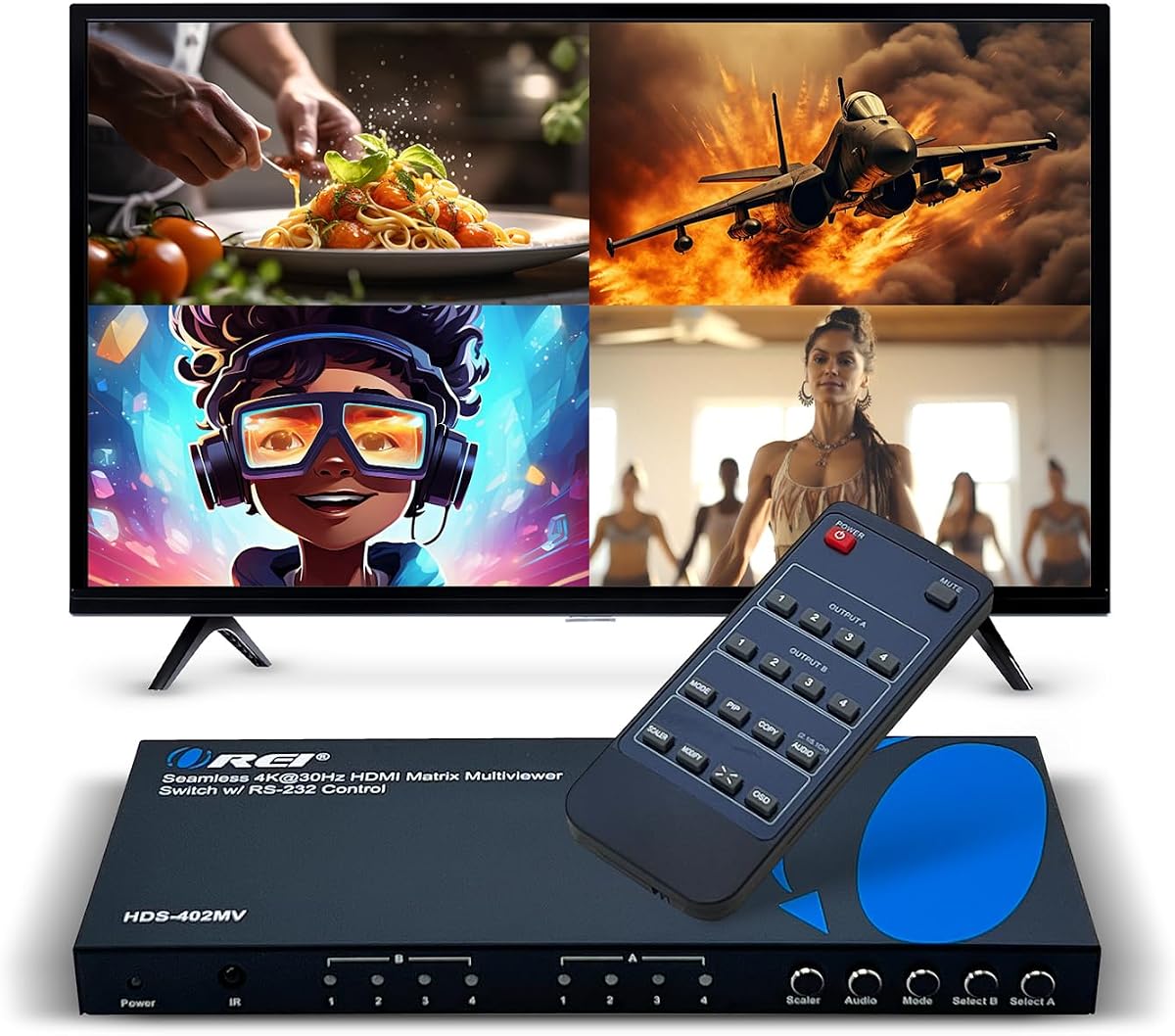
This OREI model offers two output ports which is rare in this category. It supports 4K@30Hz and has a high 4.7 star rating.
We may earn a commission when you buy through this link, at no additional cost to you.
The device handles audio and video well with analog outputs. It comes with a remote and mounting brackets for installation.
Two outputs make it great for multi room or dual monitor setups. The complexity might be higher but the flexibility is worth it.
Ideal for users who need signal on two screens. It stands out for its unique dual output design in the comparison list.
With two outputs you can send the multiviewed signal to multiple displays without extra splitters.
RS-232 control and OSD options give advanced users precise control over the display layout.
We may earn a commission when you buy through this link, at no additional cost to you.
This OREI switch offers 4K@30Hz and strong audio extraction capabilities. It supports formats like Dolby Digital and DTS effectively.
We may earn a commission when you buy through this link, at no additional cost to you.
You get five display modes and EDID support for easy compatibility. It comes with a remote and power adapter.
The audio features are better than many competitors in this price range. It is a good choice for home theater monitoring.
Recommended for users prioritizing audio quality alongside video. It offers a balanced feature set for home and office use.
The device supports many digital audio formats allowing you to route sound independently.
Built in EDID helps ensure sources are recognized correctly without handshake issues.
We may earn a commission when you buy through this link, at no additional cost to you.
This OREI model is known for its VGA output option alongside HDMI. It handles 1080p well and has five display modes.
We may earn a commission when you buy through this link, at no additional cost to you.
The device is simple to use with a remote and front buttons. It comes with a 1-year warranty and all necessary cables.
It is a solid choice if you only need 1080p. The VGA output makes it versatile for older monitors or systems.
Best for basic setups needing reliable performance. It is easy to recommend for casual users on a budget.
The included VGA output allows you to connect to older monitors easily.
Front panel buttons and a basic remote make switching sources straightforward.
We may earn a commission when you buy through this link, at no additional cost to you.
This model stands out for true 4K@60Hz support which is rare. It offers eight modes and HDCP 2.2 for compatibility.
We may earn a commission when you buy through this link, at no additional cost to you.
The device handles synchronized audio well without lag. It works with many devices like consoles and PCs easily.
Despite the high features some users report mixed experiences. It is still a strong candidate for 4K60Hz needs.
Consider it if 4K60Hz is critical. The feature set is impressive for the price in this category.
This unit supports up to 4K at 60Hz ensuring high frame rate visuals.
Full HDCP 2.2 compliance ensures it works with modern protected content easily.
We may earn a commission when you buy through this link, at no additional cost to you.
This J-Tech device supports premium audio formats like Dolby Digital. It also offers 4K@60Hz and eight display modes effectively.
We may earn a commission when you buy through this link, at no additional cost to you.
The OSD and PC software allow detailed source arrangement. It comes with mounting ears and lifetime support from the brand.
While the price is higher the audio features are detailed. It is best for users needing advanced audio control.
Recommended for those needing detailed audio extraction. The feature set justifies the cost for professional use.
Support for up to 7.1 channels makes this ideal for surround sound setups.
The brand offers free lifetime technical support which is rare in the market.
We may earn a commission when you buy through this link, at no additional cost to you.
This OREI model scores 4.4 stars for its reliable simplicity. It handles 1080p and offers a VGA output option.
We may earn a commission when you buy through this link, at no additional cost to you.
The device supports PCM 2.0 stereo audio effectively. It includes a remote and is dual voltage for international use.
It is a great choice for basic setups needing reliability. Users appreciate the straightforward design and good support.
Ideal for those who want easy use. It is a solid pick for budget-conscious buyers.
This unit focuses on core features without unnecessary complexity for easy use.
The dual voltage supply and adapter make it easy to use worldwide.
We may earn a commission when you buy through this link, at no additional cost to you.
This J-Tech matrix offers full routing with multiviewer capabilities. It supports 4K@60Hz input and ten video wall modes.
We may earn a commission when you buy through this link, at no additional cost to you.
The device includes LAN and web control for remote management. It is designed for advanced professional installations.
While expensive the routing options are unmatched. It is ideal for users needing multiple output configurations.
Best for pros needing video wall control. It offers the most advanced features in this list.
Route any input to any output seamlessly for maximum flexibility.
LAN and web interfaces allow control from a network for easy management.
We may earn a commission when you buy through this link, at no additional cost to you.
Choosing the right HDMI Multiviewer depends on your resolution needs and output options. Below are key factors to consider for your setup.
Check if the model supports 4K or 1080p. Some devices only support 4K in full screen mode not in multiviewer.
For gaming or monitors 4K@60Hz is ideal. For basic use 1080p may be sufficient.
Look for the number of viewing modes available. Most have 5 to 12 options like PIP or quad views.
More modes give you flexibility in how sources are arranged on screen.
Seamless switching ensures no black screen or delay when changing inputs. This is vital for full screen use.
Check product specs for seamless switching claims to avoid lag.
Some models offer optical or analog audio outputs. This allows separate audio routing for better sound.
If audio is important choose one with dedicated audio ports like Toslink.
Consider how you want to switch sources. Options include IR remote front panel buttons or RS232.
RS232 is useful for professional integration while remotes are easier for home use.
Ensure the device supports HDCP 2.2 if you plan to view protected content. Older models may block this.
HDCP compliance prevents issues with streaming or protected video sources.
Most models have one HDMI output but some offer dual outputs. Two outputs allow more display options.
If you need multi-display setups check for dual output capabilities explicitly.
Look for a clear warranty like 1 year or lifetime support. Good support helps with setup issues.
Brands like OREI and J-Tech often offer solid support options to buyers.
Connect your HDMI sources to the input ports and the display to the output port. Ensure all cables are secure.
Use the remote or front buttons to switch modes. You can adjust layout and aspect ratios via settings.
Keep the device in a cool well ventilated area. Dust the unit occasionally to prevent overheating issues.
Some models support 4K@30Hz or 4K@60Hz but often only in full screen mode. Check specific product specs before buying.
Seamless switching allows you to change inputs without a black screen or visible delay. This is key for smooth full screen viewing.
Yes most models work with PS5 but check 4K60Hz support. Some may only support 4K30Hz for the console.
Most common models have four HDMI inputs. Some higher end options may offer more for complex setups.
Yes almost all HDMI Multiviewers come with a power adapter. They do not draw enough power from HDMI to run alone.
RS232 allows professional control of the device via serial connection. It is useful for integration into larger systems.
Our top picks cover different needs from budget to premium features. The PORTTA and OREI models offer strong value for most users.
Prioritize resolution support and seamless switching to ensure a smooth experience. Consider audio options if sound matters to your setup.
Prices and availability can change so check current listings before buying. We hope this guide helps you find the right HDMI Multiviewer.