
4K HDMI EDID Emulator Passthrough Adapter
3.9Editor score
Bidirectional signal transmission
Plug and play setup
Fixed EDID locking
This guide compares the top 10 HDMI Edid Emulator Passthroughs for stability and compatibility, helping you choose the right adapter for your setup.
Finding the right HDMI Edid Emulator Passthrough ensures your devices recognize displays correctly. These adapters maintain signal integrity when screens disconnect or switch sources. We review ten reliable options for home and professional use.
Our team analyzed performance, compatibility, and ease of setup across various models. We considered resolution support, HDCP handling, and build quality. Each product was selected based on user feedback and technical specifications.
Every pick includes detailed insights on features and limitations. Prices and availability fluctuate, so check current listings before buying. We aim to help you find the perfect solution for your specific display needs today.
3.9Editor score

5.0Editor score

4.3Editor score
The following table presents a side-by-side comparison of all ten models. It highlights key specifications and features to help you decide quickly based on your specific technical requirements.


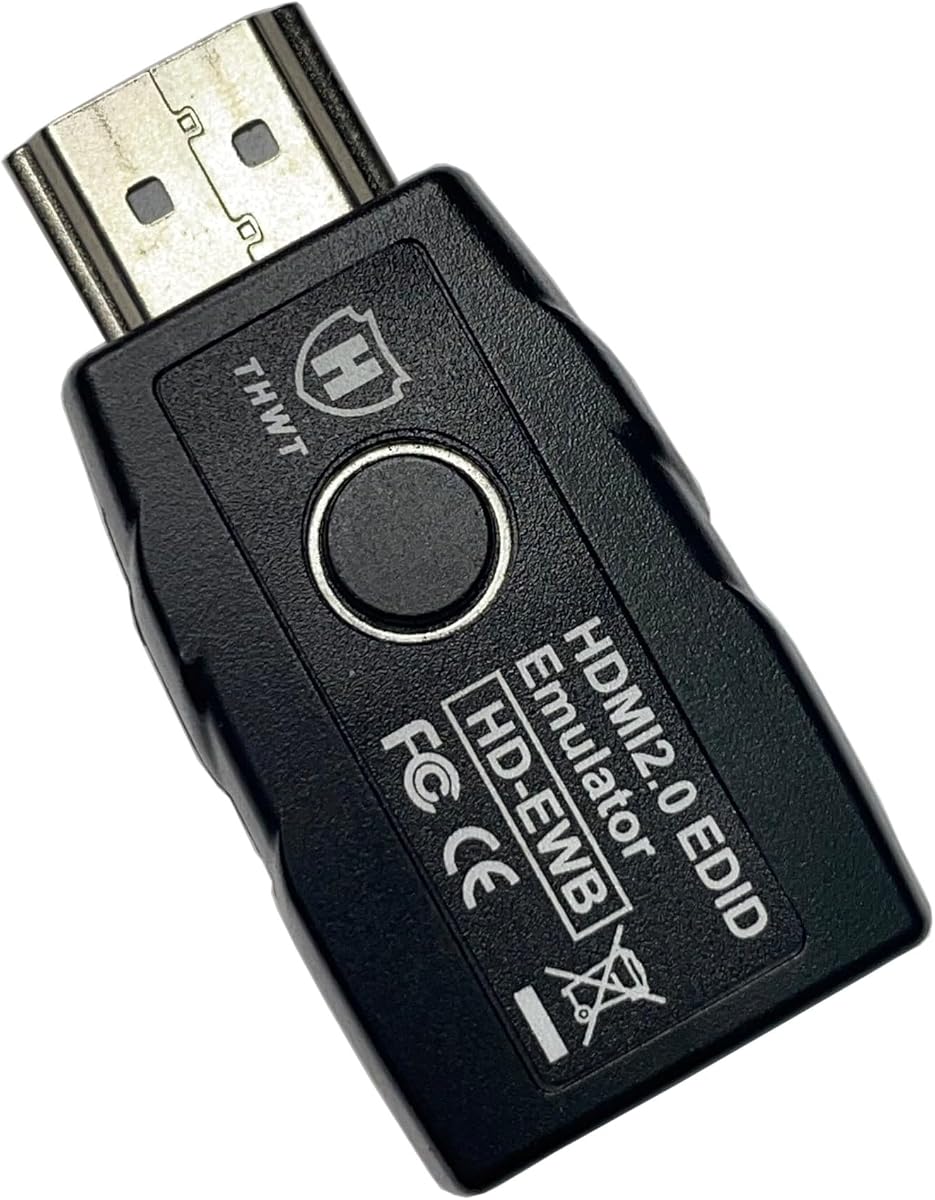

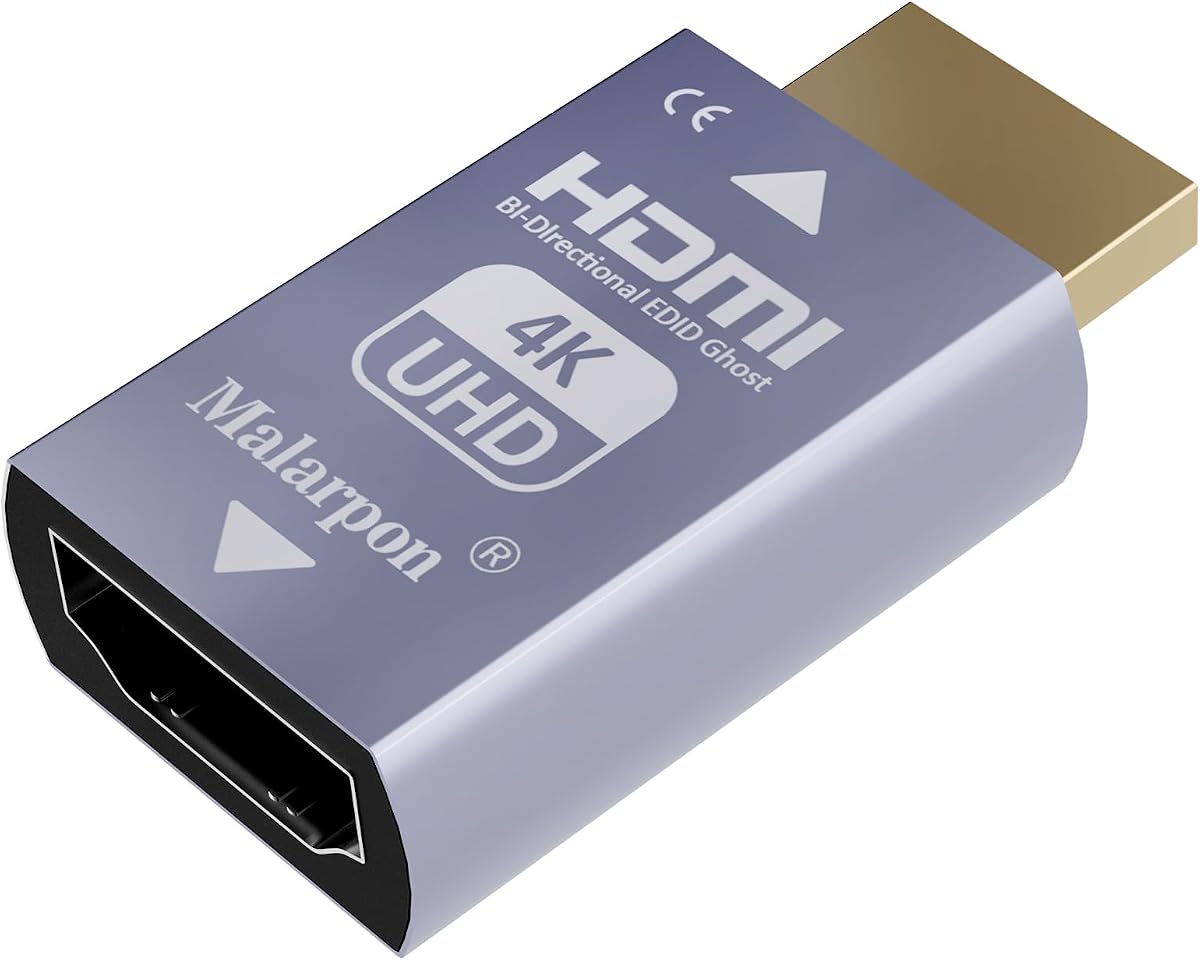

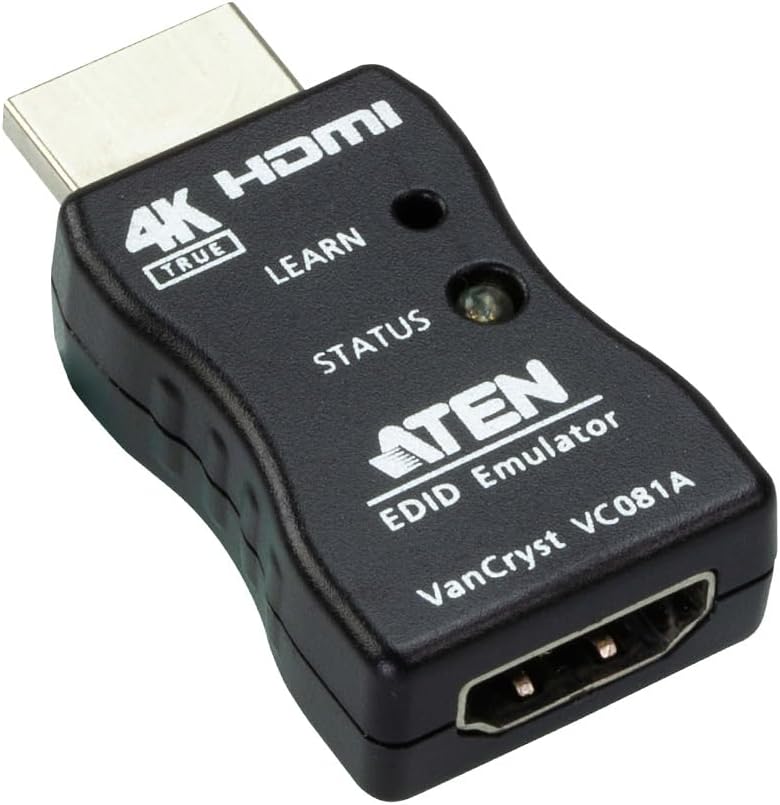
This HDMI EDID Emulator Passthrough Adapter stands out for its exceptional ability to maintain signal stability. It ensures that source devices continue to output video even when no display is connected. This makes it ideal for complex AV systems requiring consistent handshake signals.
We may earn a commission when you buy through this link, at no additional cost to you.
The product offers multi-device compatibility which resolves mismatches between devices like AV receivers and video splitters. It simulates necessary EDID information ensuring optimal picture and sound quality. This reliability is key for home theaters and conference rooms.
While it supports high resolutions like 4K 120Hz it may not be suitable for advanced HDMI 2.1 setups requiring SCDC. The preset values cover most common needs but users needing specific custom profiles might look elsewhere. This trade-off ensures broad compatibility across standard setups.
Buyers seeking a reliable solution for home theater or control room setups will find this adapter valuable. It simplifies deployment without needing software or external power. For consistent signal output across various devices it remains a top recommendation.
This adapter ensures source devices remain active even without a connected display preventing signal loss or errors.
It resolves compatibility issues in multi-device environments such as home theaters commercial displays and digital signage.
We may earn a commission when you buy through this link, at no additional cost to you.
The 4K HDMI EDID Emulator Passthrough Adapter offers a budget-friendly solution for maintaining display settings. It provides bidirectional signal transmission which allows flexibility in setup. Users report that it prevents Windows from rearranging desktops when displays disconnect.
We may earn a commission when you buy through this link, at no additional cost to you.
Its Fixed EDID feature ensures that settings remain consistent even after power cycles or renegotiation. This is particularly useful for systems using KVM switches or headless operation. The lack of drivers or external power adds to its convenience.
However some users note a lower overall rating compared to premium models and lack of HDCP support. This means it may not work well with protected content requiring secure handshakes. For basic desktop management it remains a solid value choice.
If you need an inexpensive adapter for maintaining desktop layouts without HDCP requirements this model works well. It supports resolutions from 800×600 up to 4K and offers hot swap functionality. Consider it if cost is a primary factor.
The Fixed EDID lock maintains current settings even when displays disconnect or power cycles occur.
Signal sources can be male or female allowing flexible connection options for various setups.
We may earn a commission when you buy through this link, at no additional cost to you.
This HDMI EDID Emulator Passthrough HDR model provides strong support for HDR and high refresh rates. It handles resolutions up to 4K and 1080p at 120Hz. The bidirectional passthrough design eliminates wiring direction limits for easier installation.
We may earn a commission when you buy through this link, at no additional cost to you.
It works well with Mac mini Raspberry Pi and NUC devices keeping monitor EDID active during remote access. Users appreciate the plug and play design which supports hot swapping without driver installations. This stability is helpful for KVM switches.
Some feedback indicates moderate ratings likely due to occasional handshake issues with older monitors. Ensuring quality cables helps maintain performance. For headless applications requiring high refresh rates this adapter offers a balanced feature set.
Enthusiasts needing HDR support and flexible connections will find this adapter useful. It ensures audio and video signals transmit normally during power cycles. Check cable quality to avoid potential renegotiation delays.
Supports HDR 4K and 1080p at 120Hz enabling high refresh rate visuals.
Pure hardware design ensures lossless signal transmission suitable for extended operations.
We may earn a commission when you buy through this link, at no additional cost to you.
The EVanlak HDMI Edid Emulator Passthrough features a premium aluminum design ensuring durability. It supports 4K at 60Hz and works seamlessly with Mac Thunderbolt and other HDMI setups. Users note it eliminates the need for manual EDID settings.
We may earn a commission when you buy through this link, at no additional cost to you.
This adapter provides a sleek modern look while maintaining strong connectivity with AV receivers and splitters. The plug and play nature means no drivers are required. This makes it easy for users to integrate into existing systems.
While it performs well for standard resolutions it may lack advanced features like SCDC for newer HDMI 2.1 standards. This limitation is acceptable for most home office and entertainment needs. The build quality stands out in its price range.
Users valuing aesthetics and reliable performance will appreciate this adapter. It ensures smooth motion and vivid colors for 4K content. Check if your setup requires HDMI 2.1 specific features before purchasing.
Crafted with premium aluminum this adapter ensures durability and a modern look.
Works with Mac Thunderbolt to HDMI Switches/Extender/AV Receiver/Video Splitters.
We may earn a commission when you buy through this link, at no additional cost to you.
This HDMI EDID Emulator supports HDCP Passthrough which is crucial for protected content. It maintains signal stability and allows hot swapping in KVM environments. The bidirectional design ensures flexibility in connecting source and displays.
We may earn a commission when you buy through this link, at no additional cost to you.
Users report reliable performance with Mac mini and Raspberry Pi keeping monitors active. It supports resolutions up to 4K and 1080p at 120Hz. The plug and play approach simplifies setup significantly.
While it handles 4K well it does not support 8K or advanced HDMI 2.1 features. For users needing standard 4K protection it offers solid reliability. The zero latency design helps avoid signal degradation.
Those requiring HDCP support for streaming or gaming will find this adapter valuable. It ensures devices recognize displays correctly without resetting settings. Consider this if HDCP compliance is a priority.
Supports HDCP Passthrough ensuring compatibility with protected content sources.
Pure hardware design provides lossless signal transmission suitable for various applications.
We may earn a commission when you buy through this link, at no additional cost to you.
This emulator supports Exact EDID Copy which helps replicate display capabilities accurately. It allows users to switch between internal and external IDID modes with a button. The preset IDs offer 1080p and 4K options with audio support.
We may earn a commission when you buy through this link, at no additional cost to you.
It meets HDMI 2.0 standards and supports HDCP pass-through for protected content. Users can copy EDID from external monitors for accurate simulation. This is useful for splitters and switchers requiring specific profiles.
However it is not fully compatible with HDMI 2.1 devices which may cause interruptions. The lack of SCDC functionality can lead to signal loss with certain monitors. Ensure your setup aligns with HDMI 2.0 needs.
Buyers needing precise EDID replication for specific audio setups will find this useful. The simple interface and headless operation support ease of use. Verify HDMI 2.1 requirements before purchasing.
One button switches between internal and external EDID modes for flexible setup.
Meets HDMI 2.0 standards supporting resolutions up to 4K 60Hz.
We may earn a commission when you buy through this link, at no additional cost to you.
This adapter features a 3rd Gen Aluminum design ensuring durability and heat dissipation. It helps keep the EDID of the monitor active even when disconnected. The bi-directional design supports flexible connection orientations.
We may earn a commission when you buy through this link, at no additional cost to you.
Users report it keeps desktops fixed when switching sources via KVM switches or receivers. It works with Mac mini and Raspberry Pi for remote access setups. The plug and play nature simplifies installation.
Some feedback notes it avoids distorted images by changing EDID settings correctly. While effective for standard setups it lacks advanced features for HDMI 2.1. Ensure your resolution needs match its 4K support.
Users seeking a durable aluminum adapter for client devices will appreciate this model. It ensures consistent audio and video transmission during power cycles. Check compatibility with your specific HDMI devices.
The source can be male or female connecting allowing flexible setup options.
Keeps EDID consistent even when renegotiating power or connection changes.
We may earn a commission when you buy through this link, at no additional cost to you.
This PRO model offers advanced HDMI 2.1 support including SCDC functionality for reliable handshakes. It allows copying external monitor EDID and selecting from 14 preset values. The knob interface makes switching easy for users.
We may earn a commission when you buy through this link, at no additional cost to you.
It supports HDCP pass-through ensuring compliance with protected content standards. The bi-directional design offers flexibility for connecting on computer or display side. This adaptability suits complex AV setups requiring precise control.
While it lacks 8K support it handles up to 4K at 120Hz well. The higher price reflects the advanced features compared to standard adapters. For serious home theater enthusiasts this offers significant value.
Buyers needing HDMI 2.1 features and exact EDID emulation will find this premium choice valuable. It resolves compatibility issues in high-end setups. Ensure your budget aligns with the advanced capabilities.
Adheres to HDMI 2.1 and SCDC standards for reliable handshakes.
Equipped with 14 built-in EDID settings for quick simulation options.
We may earn a commission when you buy through this link, at no additional cost to you.
This Manager 4K emulator amplifies HDMI signals for better quality and cascading. It supports 8 types of preset EDID data for flexible management. The repeater and retimer design ensures high quality audio and video output.
We may earn a commission when you buy through this link, at no additional cost to you.
Users benefit from HDMI 2.0b standard compliance supporting 4K at 60Hz. It offers CEC pass-through ensuring other HDMI functions remain unaffected. The plug and play nature simplifies installation significantly.
While it supports 7×24 hour work it may not suit users needing HDMI 2.1 features. The 5 star rating reflects high user satisfaction with its stability. Ensure your setup uses HDMI 2.0 standards.
Those needing signal amplification and multiple EDID presets will find this manager valuable. It resolves incompatibility issues between devices effectively. Check if your system requires HDMI 2.0 compliance.
Support Amplifies and equalizes HDMI signals to provide high quality audio and video.
Based on HDMI version 2.0b supporting 4K 60Hz 18G bandwidth.
We may earn a commission when you buy through this link, at no additional cost to you.
ATEN offers a compact lightweight solution for managing EDID communication. It supports True 4K and HDCP 2.2 compliance ensuring video quality. Users can learn and save EDID from connected displays with a pushbutton.
We may earn a commission when you buy through this link, at no additional cost to you.
This adapter helps ensure connected devices recognize displays correctly. The compact design allows easy placement in tight spaces. It supports 3D and Deep Color for enhanced visuals.
Some users note lower ratings and limited feedback compared to newer models. Ensure compatibility with your specific devices before purchase. The brand reputation offers some confidence in reliability.
Buyers preferring established brands for simple setups may find this adapter useful. It offers high video quality and compact design. Check current user reviews for the latest feedback.
Compact and lightweight design suitable for tight workspace setups.
Superior video quality up to 3840 x 2160 at 60Hz.
We may earn a commission when you buy through this link, at no additional cost to you.
Selecting the right emulator requires checking compatibility and features.
Check if the emulator supports your display resolution such as 4K or 8K. Many models support up to 4K at 60Hz but advanced setups may need HDMI 2.1 support for higher refresh rates.
Ensure the emulator handles your specific resolution and refresh rate needs to avoid handshake issues.
HDCP compliance ensures protected content can play through the emulator. Look for models supporting HDCP 2.2 or higher if you stream from platforms requiring secure handshakes.
Without HDCP support your signal may drop or show errors when playing protected content.
SCDC ensures reliable handshake for HDMI 2.1 devices. If you use high-end displays or gaming consoles check if the emulator supports SCDC to prevent signal interruptions.
Lack of SCDC support can cause issues with newer HDMI 2.1 setups.
Exact EDID copy allows you to replicate display settings accurately. This helps when splitting signals across multiple displays requiring identical profiles.
Check if the model supports copying external monitor EDID to match your specific needs.
Aluminum builds offer better heat dissipation and durability. Consider materials when choosing an emulator for continuous or professional use.
Higher quality materials help ensure longevity in demanding environments.
Plug and play models without drivers simplify setup. Look for hot swap support and clear indicator lights for better usability.
Avoid models requiring complex software or external power for convenience.
Most emulators draw power from the source device. Ensure your setup can provide enough power especially for high bandwidth models.
Models needing external power add cable clutter so prioritize source-powered units.
Good support helps resolve setup issues quickly. Check for warranty periods and technical assistance options when purchasing.
Reliable support ensures you can troubleshoot compatibility problems effectively.
Connect the emulator between your source device and display or switch. Ensure cables are secure to maintain signal integrity and prevent handshake issues.
Power cycle your setup after connecting to allow the emulator to negotiate settings. Some models have buttons to reset or copy EDID if needed for configuration.
Keep the adapter in a cool dry place to prolong its life. Avoid bending or pulling cables forcefully during installation or maintenance.
An HDMI EDID Emulator simulates a display so source devices recognize it. This prevents signal loss when screens are off or disconnected. It helps maintain consistent desktop settings across switches.
Most models support up to 4K at 60Hz. Advanced HDMI 2.1 compatible emulators handle higher refresh rates but 8K support is rare. Check specs for resolution limits.
No most emulators are plug and play devices. They work without additional software. Just connect them and let your system detect them automatically.
Some emulators have a copy button. Connect the monitor then press the button to store its profile. This allows exact replication for splitter setups.
Cable quality or HDCP mismatches may cause drops. Ensure you use high speed cables and check HDCP settings. Sometimes resetting the emulator helps.
Yes most emulators work with KVM switches to prevent screen rearrangement. They ensure settings stay fixed even when switching inputs. This is common for multi-monitor setups.
Our top picks cover a range of needs from budget friendly to premium HDMI 2.1 support. The HDMI EDID Emulator Passthrough Adapter stands out for stability across setups.
Prioritize features like HDCP support or SCDC if your devices require them. Build quality and ease of use also play key roles in long-term satisfaction.
Always check current prices and reviews before buying. Our guide aims to simplify your choice so you get the right adapter for your setup today.