
Keyboard Case for Amazon Fire Max 11
4.5Editor score
Seven color backlit keys
Long battery life
Lightweight protective shell
This guide compares the best keyboard cases for Fire Max 11 tablets including top rated options with backlight trackpad and detachable designs for every user.
Finding the right keyboard case for your Fire Max 11 can transform your tablet into a powerful productivity tool. These accessories combine protection with typing comfort allowing you to work or create anywhere without carrying extra devices. Choosing the best option depends on your specific needs and budget constraints.
We have carefully evaluated the top ten keyboard cases currently available for the Fire Max 11. Our analysis focuses on build quality connectivity features and overall user experience. Each product listed here offers unique benefits ranging from rainbow backlights to integrated trackpads and magnetic detachable designs.
Each review below highlights key strengths and potential drawbacks to help you make an informed decision. Keep in mind that product availability and pricing can change frequently so verify details before purchasing. We aim to provide clear and honest insights to guide your selection process effectively.
4.5Editor score

4.6Editor score
4.6Editor score
The following table provides a side-by-side comparison of all ten keyboard cases evaluated in this guide. Use this to quickly identify key specifications and features that matter most to your daily workflow and budget.
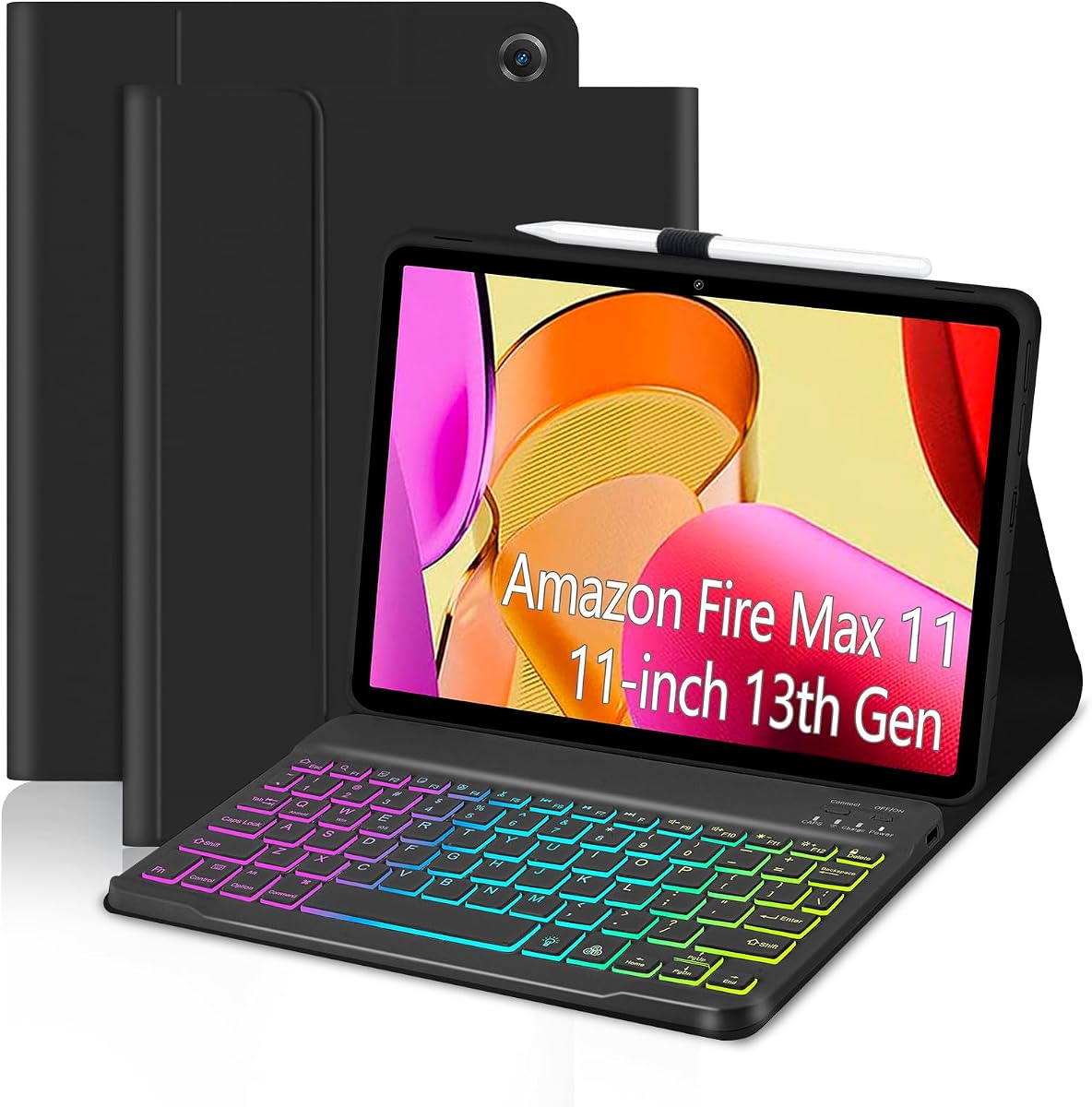


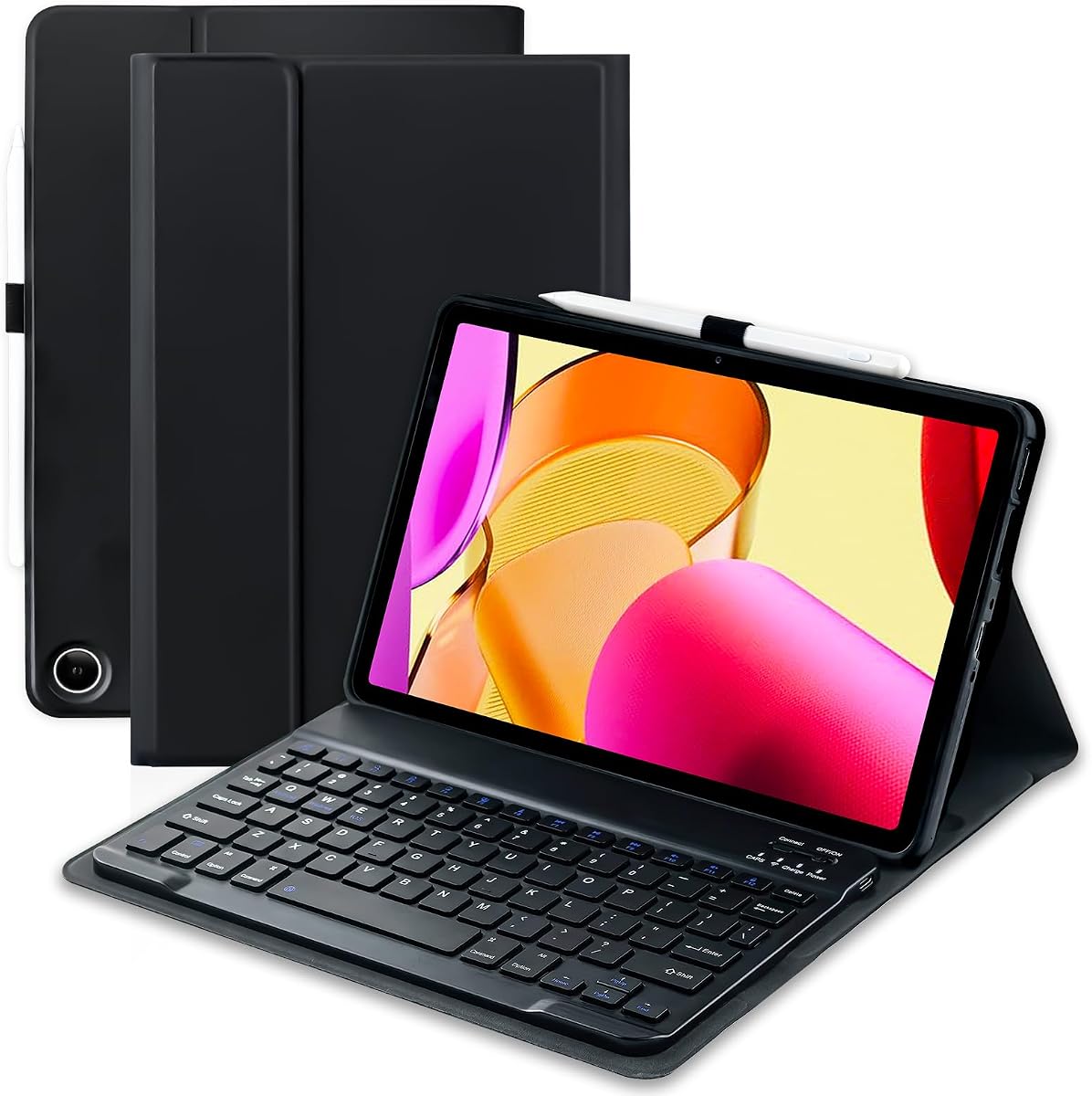


This official keyboard case stands out as the top choice for users seeking seamless integration with their Fire Max 11. It boasts a high rating and delivers a professional typing experience with an integrated trackpad that eliminates the need for a mouse.
We may earn a commission when you buy through this link, at no additional cost to you.
The key strength lies in its Pogo pin connection which powers the keyboard directly from the tablet so you never have to charge it separately. The trackpad supports gestures like pinch to zoom and scrolling making navigation intuitive and efficient for documents and web browsing.
While the price is higher than third-party options the convenience and durability justify the investment. The only trade-off is the lack of backlighting which might be a downside for users who type in dim environments frequently.
This case is ideal for professionals or students who need reliable productivity on the go. If you prioritize ease of use and battery efficiency this is the recommended choice for your Fire Max 11.
The Pogo pin connection ensures the keyboard draws power directly from the tablet eliminating the need for separate charging cycles.
Integrated trackpad gestures allow for quick scrolling and zooming improving workflow speed during document editing.
We may earn a commission when you buy through this link, at no additional cost to you.
This keyboard case offers exceptional value with a vibrant seven color backlight feature that enhances visibility in low light conditions. It maintains a solid rating and provides a reliable typing experience without breaking the bank for budget-conscious buyers.
We may earn a commission when you buy through this link, at no additional cost to you.
The standout feature is the customizable backlight which allows you to choose from seven different colors to suit your style. The keyboard has a large battery that supports extended use on a single charge ensuring you stay productive throughout the day.
While it lacks a trackpad which requires on-screen navigation for some tasks the savings make it a great alternative. The pen holder is a thoughtful addition for those who use a stylus for drawing or note-taking.
Ideal for casual users or students who want backlighting without paying a premium. This case delivers the essentials effectively and is a strong contender for the best budget option available.
Seven adjustable backlight colors allow users to personalize their typing environment and improve visibility in dark settings.
The 420mAh battery provides up to ninety hours of continuous use reducing the frequency of recharging sessions.
We may earn a commission when you buy through this link, at no additional cost to you.
As a premium option this case matches the official design with top-tier build quality and user-friendly features. It shares a high rating with the first pick and offers a robust typing experience tailored for power users and professionals.
We may earn a commission when you buy through this link, at no additional cost to you.
The integrated trackpad allows for precise cursor control and supports adjustable pointer speeds for comfort. The zero setup magnetic connection means you can attach and start typing immediately without pairing steps or configuration hassle.
The sustainable design using recycled plastics appeals to environmentally conscious buyers without compromising performance. The main drawback is the cost which is higher than many third-party alternatives available in the market today.
This case is perfect for those who value quality and sustainability alongside functionality. If you want a premium feel and reliable performance this is an excellent investment for your Fire Max 11.
Adjustable pointer speed on the trackpad lets users customize navigation sensitivity to match their personal preferences.
Constructed with post-consumer recycled plastics this case reduces environmental impact while maintaining durability and style.
We may earn a commission when you buy through this link, at no additional cost to you.
This EAMPANG case brings a dynamic typing experience with its rainbow backlit keyboard that features a breathing light mode. It is rated well for its functionality and offers a stylish look that complements the tablet effectively.
We may earn a commission when you buy through this link, at no additional cost to you.
The keyboard allows you to switch between colors automatically or manually providing a fun and practical feature for low-light use. The honeycomb design on the inner shell helps dissipate heat ensuring the tablet stays cool during intensive tasks.
The lack of a trackpad means navigation relies on touch gestures but the shortcut keys help streamline operations. It is a great choice for users who prioritize aesthetics and lighting over advanced navigation tools.
Ideal for creative users or students who enjoy customizable lighting and need basic typing functionality. This case provides a good balance of style and utility at a reasonable price point.
The seven color RGB backlight offers breathing modes and brightness control enhancing the visual experience during night work.
Internal honeycomb design helps airflow and heat dissipation protecting the tablet from overheating during long sessions.
We may earn a commission when you buy through this link, at no additional cost to you.
The MePadKey case distinguishes itself with a built-in touchpad that supports multi-finger gestures for easier navigation without a mouse. It also includes a rainbow backlight feature making it versatile for different lighting environments and user preferences.
We may earn a commission when you buy through this link, at no additional cost to you.
The touchpad allows for scrolling and clicking which significantly improves efficiency when working with documents or browsing the web. The keyboard is rechargeable ensuring you do not need to replace batteries frequently during regular usage.
While the rating is slightly lower than others the functional benefits of the touchpad make it a strong contender. The anti-slip grooves keep the tablet stable which adds to the overall usability and comfort during typing.
This case is well-suited for users who need cursor control but do not want to buy an expensive official option. It offers a practical middle ground between budget and premium features effectively.
The integrated touchpad supports gestures like scrolling and multi-finger taps reducing reliance on touch screen inputs.
Anti-slip grooves ensure the tablet remains stable in various positions preventing accidental sliding during use.
We may earn a commission when you buy through this link, at no additional cost to you.
This TUNKARMOR case is unique because it includes a rechargeable Bluetooth mouse along with the keyboard creating a complete mobile workstation. It offers solid protection and reliable connectivity with a high rating for overall satisfaction.
We may earn a commission when you buy through this link, at no additional cost to you.
The inclusion of a mouse means you can navigate precisely without needing an extra device. The magnetic keyboard attaches quickly and securely turning your tablet into a laptop-like setup instantly for better productivity.
The auto sleep and wake feature helps conserve battery life by putting the tablet to sleep when the case is closed. While it lacks a backlight the robust build and included accessories make it a high value choice.
This case is perfect for travelers or workers who need a complete solution in one package. It eliminates the need to purchase separate peripherals and provides a comprehensive setup out of the box.
Included Bluetooth mouse allows for precise cursor control making it ideal for detailed work and navigation.
Automatic sleep and wake functionality ensures the tablet saves power when not in use extending daily usage time.
We may earn a commission when you buy through this link, at no additional cost to you.
This case offers a comprehensive bundle with both a keyboard and a rechargeable Bluetooth mouse included in the package. It features a three zone backlight system that adds visual flair and utility for typing in the dark.
We may earn a commission when you buy through this link, at no additional cost to you.
The ability to adjust viewing angles makes it versatile for watching videos or working on documents. The inclusion of a mouse allows for precise navigation similar to a laptop setup enhancing overall user efficiency.
While managing wireless devices requires some setup the convenience of having everything in one box is appealing. The auto sleep feature ensures battery conservation while the pen holder adds extra value for artists.
It is an excellent choice for users who want a full laptop experience without buying separate accessories. This bundle provides excellent functionality for the price and is easy to set up.
Three distinct backlight zones offer customizable lighting effects enhancing visibility and aesthetic appeal during typing.
Multiple viewing angles support different activities from typing to video watching ensuring comfort in any position.
We may earn a commission when you buy through this link, at no additional cost to you.
This keyboard case focuses on functionality with a reliable magnetic attachment and a convenient Type-C charging port for the keyboard. It is rated well for its durable construction and practical features that enhance everyday use.
We may earn a commission when you buy through this link, at no additional cost to you.
The multi-function keys allow for quick access to settings like volume and media control improving workflow speed. The honeycomb design inside the case helps dissipate heat keeping the tablet cool during intensive tasks.
While it does not have a backlight the fast charging ensures the keyboard is ready when you need it. The build quality is robust protecting your device from scratches and bumps effectively during travel.
This case is ideal for practical users who prioritize durability and quick setup over aesthetic features. It provides a solid typing solution that is reliable and easy to maintain.
Type-C charging port allows for quick recharges ensuring the keyboard is always ready for use.
Built-in multi-function keys provide quick access to media and volume controls enhancing usability during work.
We may earn a commission when you buy through this link, at no additional cost to you.
This variant of the EAMPANG case offers a blue and black color combination with the same seven color rainbow backlight feature. It provides a stylish look for users who want to express their personality while typing.
We may earn a commission when you buy through this link, at no additional cost to you.
The magnetic detachable keyboard allows for flexibility in how you use the tablet. The full protection design ensures your device is safe from scratches and drops during daily use or travel.
The rating is slightly lower suggesting some variability in user experience compared to other models. However for those who prioritize color and design this case offers a unique option at a competitive price.
It is a good choice for casual users who want a stylish accessory with basic typing functionality. Consider this if you value appearance and basic utility over premium features.
Blue and black color options provide a unique look for users who prefer distinct style choices.
Durable shell offers full coverage protection ensuring your tablet remains safe from accidental drops.
We may earn a commission when you buy through this link, at no additional cost to you.
This keyboard case features a premium vegan leather exterior that gives it a sophisticated and professional look. It is rated highly for its build quality and offers a comfortable typing experience with silent keys.
We may earn a commission when you buy through this link, at no additional cost to you.
The magnetic detachable design allows you to use the tablet in lap mode easily without the keyboard attached. The long battery life ensures the keyboard can be used for extended periods without needing a charge.
While it does not have a backlight the premium feel and silent keys make it suitable for quiet environments like libraries or offices. The pen holder adds functionality for those who use a stylus regularly.
It is an excellent choice for users who want a professional look with reliable performance. This case balances aesthetics and function effectively for daily use.
Vegan leather cover provides a professional look and feel that complements any workspace environment.
Silent keys allow for discreet typing which is perfect for use in quiet or shared spaces.
We may earn a commission when you buy through this link, at no additional cost to you.
Selecting the right keyboard case involves considering connectivity type build materials and extra features like backlights or trackpads.
Most cases use Bluetooth which allows for wireless flexibility but requires pairing and battery management. Some official cases use Pogo pin connectors that draw power from the tablet eliminating the need for separate charging.
Choose Bluetooth for versatility and official connectors for convenience and zero power overhead.
Backlights are essential if you type in low light environments. Look for models with adjustable brightness and multiple color options to suit your style and visibility needs.
Ensure the backlight has sufficient brightness for your usage scenarios to avoid eye strain.
A trackpad enhances navigation efficiency allowing cursor control without touching the screen. This is critical for productivity tasks like spreadsheet editing or document management.
Prioritize models with built-in trackpads if mouse control is important to your workflow.
Look for cases with full coverage and shock absorption features. Materials like PU leather and TPU shells offer protection against scratches and drops during travel.
Ensure the case fits securely to prevent accidental dislodging or damage to the tablet.
A keyboard with a long battery life reduces the frequency of charging. Check for Type-C charging ports which are faster and more convenient than older micro-USB ports.
Choose models with at least fifty hours of battery life for sustained productivity.
High-quality materials ensure durability and a premium feel. Vegan leather or recycled plastics offer better aesthetics and environmental benefits.
Invest in robust materials that can withstand daily wear and tear over time.
Some bundles include pens or mice which can save you money on separate purchases. Check what is included in the package to maximize value.
Look for pen holders and accessory slots to keep your workspace organized.
A good warranty protects your investment against manufacturing defects. Brands offering customer support can resolve issues faster if problems arise.
Check the seller reputation and warranty terms before making a final purchase decision.
To set up your case attach the magnetic keyboard firmly to the tablet and enable Bluetooth pairing if required. Follow the included manual for specific button combinations to activate functions.
Clean the keyboard and case regularly using a soft dry cloth to prevent dust buildup. Avoid using harsh chemicals that might damage the plastic or leather surfaces.
Store your tablet in a cool dry place when not in use to preserve battery health. Ensure the keyboard is powered off or asleep to prevent battery drain during storage.
No these cases are designed specifically for the Fire Max 11 13th Generation released in 2023. Using them on other models may result in a poor fit or functional issues.
Most Bluetooth keyboards include a Type-C charging cable. Connect the cable to the keyboard port and a power source to recharge the internal battery fully.
Many cases include a dedicated pen holder or slot designed to hold a compatible stylus securely without interfering with usage.
No these keyboards are plug-and-play and do not require driver installation. They function immediately after pairing with the tablet via Bluetooth.
You can detach the magnetic keyboard easily allowing you to use the tablet as a standalone device while still having the protective case attached.
No these cases are not waterproof. Avoid exposing the keyboard or case to liquids to prevent damage to electronic components.
The top picks in this guide offer a range of features from official integration to budget-friendly backlit options. Each has unique strengths depending on your specific productivity needs.
Prioritize features like trackpads or backlights based on how you plan to use your tablet daily. Consider build quality and warranty support to ensure long-term satisfaction.
Remember to check current prices and availability before purchasing as deals may vary over time. We hope this guide helps you find the perfect keyboard case for your Fire Max 11.