
Cable Matters DisplayPort to DVI Cable, DP to DVI Cable, 6ft
4.6Editor score
Bare copper conductors
Foil and braid shielding
Secure latch release button
This guide compares the top Displayport to DVI cables for reliable 1080p video transmission across various devices and setups to help you choose wisely.
Finding the right Displayport to DVI cable is essential for connecting modern graphics cards to older monitors or projectors efficiently without signal loss or compatibility issues.
We analyzed ten highly rated cables based on build quality, shielding, connector design, and user feedback to ensure reliable high definition video transmission for your specific needs.
Each pick highlights key strengths and potential trade-offs so you can make an informed decision while keeping in mind that product availability and pricing may change over time.
4.6Editor score

4.6Editor score
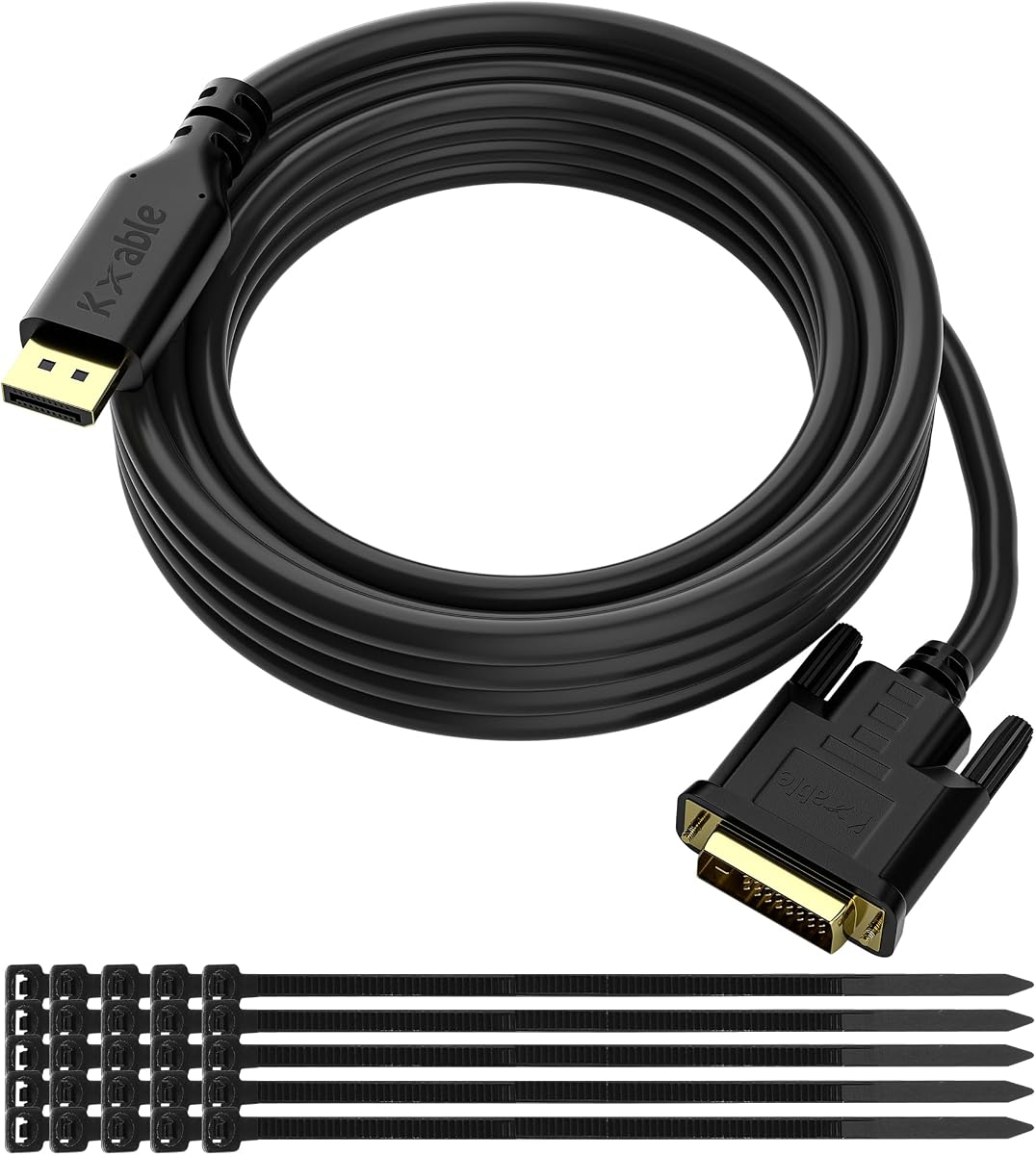
4.8Editor score
The following table provides a side by side look at the key specifications and features of each of the ten selected Displayport to DVI cables.

The BENFEI DisplayPort to DVI cable stands out as a top choice due to its excellent transmission quality and robust build design for reliable performance.
We may earn a commission when you buy through this link, at no additional cost to you.
It features advanced IC chips for accurate data streaming along with gold plated connectors that resist corrosion and ensure consistent signal stability over long periods of use.
While it supports standard 1080p resolution perfectly users should note it is uni-directional and cannot convert DVI signals back to DisplayPort for reverse connections.
This cable is ideal for users needing a dependable 6-foot link between modern PCs and older DVI displays without worrying about signal loss or connection instability.
The latches on the DisplayPort connector provide a solid grip that prevents accidental disconnection during use.
Professional multiple shielding ensures that high definition video signals remain clear and interference free during operation.
We may earn a commission when you buy through this link, at no additional cost to you.
This 25-foot cable offers exceptional reach for larger setups while maintaining high quality performance through pure copper wiring and advanced shielding technology.
We may earn a commission when you buy through this link, at no additional cost to you.
The use of high conductivity pure copper ensures that even over long distances video signals remain crisp and free from degradation or interference issues.
Complimentary cable ties help manage the long length effectively making it suitable for complex routing in offices or home theater installations.
It is the best choice for users who need significant length without compromising on signal quality or durability over time.
The 25-foot design allows flexible placement of monitors away from the main computer tower without signal issues.
Pure copper wire and 24K gold plated connectors ensure long service life and superior signal transmission.
We may earn a commission when you buy through this link, at no additional cost to you.
Cable Matters delivers a reliable and budget-friendly option that does not compromise on essential features like bare copper conductors and robust shielding.
We may earn a commission when you buy through this link, at no additional cost to you.
The design includes a secure latch mechanism that ensures the connection remains stable even when cables are moved or adjusted frequently in a workspace.
While it lacks the extra length or accessories of premium models it performs its core function of converting DisplayPort signals to DVI flawlessly and consistently.
This model is perfect for users seeking a cost effective solution for standard 6-foot connections without sacrificing signal reliability or build quality.
Bare copper conductors provide excellent electrical conductivity for clear and stable video transmission.
Foil and braid shielding work together to reduce interference and ensure high quality video output.
We may earn a commission when you buy through this link, at no additional cost to you.
This Active DisplayPort cable is designed to handle more complex display configurations including Eyefinity multi-screen setups effectively without requiring extra hardware.
We may earn a commission when you buy through this link, at no additional cost to you.
The use of an ABS shell provides high strength and lightweight durability ensuring the cable connectors remain protected from physical stress and wear over time.
Active signal conversion allows for broader compatibility with graphics cards that require active conversion for proper DVI signal output in multiple monitor configurations.
It is a strong choice for power users who need multi-screen support and reliable construction in a standard 6-foot cable length.
Compatible with Eyefinity technology allowing up to six screens to be connected simultaneously for extended desktop setups.
High strength ABS shell protects the internal components while keeping the cable lightweight and easy to manage.
We may earn a commission when you buy through this link, at no additional cost to you.
This listing currently lacks sufficient public data to evaluate its performance or features accurately against other options in this roundup guide.
We may earn a commission when you buy through this link, at no additional cost to you.
Users considering this product should check the current Amazon listing for updated specifications before making a purchase decision to ensure suitability.
Product information may have changed or been removed recently so verifying the latest details is essential before proceeding with any order or purchase.
We recommend focusing on models with clear specifications and verified user feedback to ensure a reliable connection and satisfactory experience.
Always verify the latest product details and compatibility notes before purchasing to avoid potential issues with your setup.
We may earn a commission when you buy through this link, at no additional cost to you.
Similar to the previous entry this product listing does not provide enough public information to assess its quality or specific technical characteristics accurately.
We may earn a commission when you buy through this link, at no additional cost to you.
It is important to visit the product page directly to see if new descriptions or specifications have been added since this guide was compiled initially.
Without clear details on length or shielding it is difficult to compare this item fairly against established and well-reviewed alternatives in the market.
We advise selecting cables with transparent specifications and positive recent reviews to ensure you receive a product that meets your needs fully.
Checking the manufacturer website or recent buyer reviews can help confirm if the product still meets your requirements accurately.
We may earn a commission when you buy through this link, at no additional cost to you.
The current lack of descriptive data for this item makes it impossible to determine if it suits your specific display connection requirements effectively.
We may earn a commission when you buy through this link, at no additional cost to you.
You may find better options with confirmed performance metrics that match your desired length and shielding needs for optimal signal transmission results.
When product details are missing it is usually safer to choose from the other top-rated options that have proven track records with users.
Prioritizing items with clear feature lists helps prevent disappointment and ensures that you receive a reliable cable for your computer setup.
Focus on products with complete feature lists and recent positive feedback to reduce risk when making your cable purchase.
We may earn a commission when you buy through this link, at no additional cost to you.
This product entry also lacks sufficient details to evaluate its build quality or signal performance compared to other options in this comparison.
We may earn a commission when you buy through this link, at no additional cost to you.
We recommend checking the current product page for any new updates that may have been added by the seller or manufacturer recently.
If no new information becomes available it may be wise to select a model with verified specifications that guarantee compatibility with your device.
Choosing cables with clear documentation ensures you get the expected length and performance without unexpected limitations or compatibility problems.
Review product descriptions thoroughly to confirm specifications match your setup needs before completing your purchase transaction.
We may earn a commission when you buy through this link, at no additional cost to you.
The insufficient public data for this item prevents us from giving a reliable recommendation or accurate comparison against other established cables.
We may earn a commission when you buy through this link, at no additional cost to you.
To avoid potential issues verify the latest product specifications and user feedback before purchasing to ensure it meets your needs correctly.
Opting for cables with detailed feature lists and proven performance ratings provides greater confidence in the quality and compatibility of your purchase.
We suggest focusing on the top picks that offer clear information to ensure a smooth setup and reliable display connection experience.
Select cables with transparent feature lists and proven performance ratings for reliable quality and compatibility assurance.
We may earn a commission when you buy through this link, at no additional cost to you.
This final listing also suffers from missing details that prevent any meaningful assessment of its quality or suitability for your specific display setup needs.
We may earn a commission when you buy through this link, at no additional cost to you.
We recommend reviewing the current product page for updated information before purchasing to ensure you receive a cable that meets your requirements.
Selecting options with comprehensive specifications and user verified performance helps avoid potential mismatches or unexpected limitations in your display connection.
Our top recommended picks provide clear and detailed information to help you make a confident and informed decision for your setup.
Always confirm the latest product details and compatibility notes on the product page before completing your purchase decision.
We may earn a commission when you buy through this link, at no additional cost to you.
Selecting the right cable involves considering several key factors that affect compatibility and signal quality in your specific setup.
Most Displayport to DVI cables are uni-directional meaning they only convert signals from a Displayport source to a DVI display.
Ensure you are connecting a Displayport source to a DVI display and not the reverse for compatibility to work properly.
Choose a length that reaches your monitor without excessive slack but also without being too short for your workspace needs.
Standard 6-foot cables work well for most desktop setups while longer lengths may be needed for complex routing.
Foil and braid shielding protect the video signal from electromagnetic interference ensuring a stable picture on your monitor.
Better shielding results in fewer signal drops especially in environments with high electromagnetic interference sources nearby.
Gold plated connectors resist corrosion and oxidation over time maintaining a reliable electrical connection between devices.
High quality plating improves signal transmission and increases the overall lifespan of the cable.
Displayport connectors with latches provide a secure connection that prevents accidental disconnection during use.
Look for models with release buttons so you can unplug the cable easily when needed.
Verify the maximum supported resolution such as 1080p at 60Hz to match your monitor capabilities.
Most cables support Full HD but higher resolutions may require specific high speed or active conversion.
A longer warranty period indicates the manufacturer confidence in their product quality and durability over time.
Reliable customer support helps resolve any compatibility or setup issues you might encounter quickly.
Pure copper conductors provide better conductivity than copper clad steel especially for longer cable lengths.
Durable jackets and strain relief prevent bending damage and extend cable life in active work environments.
Connect the Displayport end to your computer graphics card and the DVI end to your monitor ensuring both ends are pushed firmly until you hear a click from the latch.
If you are using a laptop or desktop with multiple outputs check your display settings to extend or mirror the screen properly for your workflow.
Store the cable neatly when not in use avoiding sharp bends or tight coils to prevent internal wire damage over time.
No most Displayport to DVI cables are uni-directional and only convert signals from Displayport to DVI. You need a specific converter if you want to connect a DVI source to a Displayport monitor.
Most cables support up to 1920×1080 pixels at 60Hz which is Full HD. Check the product specs if you need higher resolutions or different refresh rates.
Active cables are typically needed for multi-monitor setups like AMD Eyefinity. Single monitor setups usually work fine with passive cables unless specified by your hardware.
It connects modern computers with Displayport outputs to older monitors that only have DVI inputs allowing reuse of existing hardware without buying new displays.
Gold plating resists corrosion and improves conductivity ensuring a stable signal over time. It adds durability especially in humid or dusty environments.
Displayport 1.2 and later generally support DVI via active or passive conversion. Check your device manual or specs for DVI compatibility notes.
Yes longer cables can experience more signal loss. Using a cable with good shielding helps maintain quality over distances up to 25 feet.
Six feet is standard for most desktop setups. Choose longer lengths only if your monitor is far from the computer tower to avoid excessive slack.
The top picks highlight the best options for budget and premium users providing reliable performance and durable construction for various display needs.
Prioritize features like shielding and connector latches to ensure a stable connection that lasts over time for your daily work or gaming setup.
Always check current availability and prices on Amazon to confirm the latest deals before completing your purchase of the selected cable.