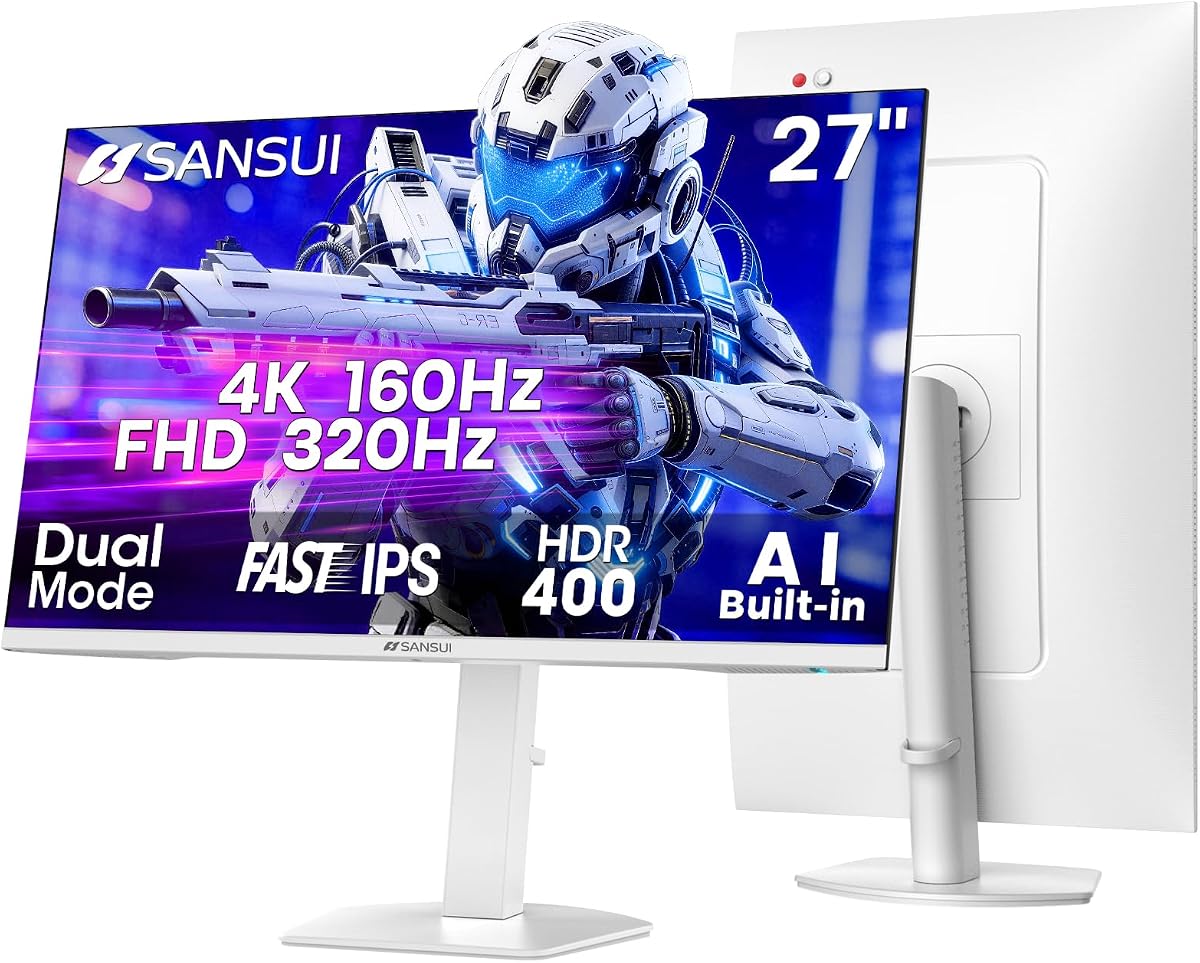
SANSUI 27-inch Dual Mode Monitor
4.4Editor score
AI Crosshair for gaming
4K or FHD modes
Fast IPS 1ms response
AI ready monitors are transforming how we interact with our displays by integrating intelligent features that enhance productivity and visual clarity. These screens adapt to your environment and usage patterns automatically.
We compared ten leading models based on resolution, smart capabilities, refresh rates, and overall value. Each selection offers unique benefits for different users ranging from gamers to professionals.
Each pick highlights key strengths and potential trade-offs to help you decide. Prices and availability change frequently so check the current links for the most up to date offers available today.
4.4Editor score

4.2Editor score

4.3Editor score
As an Amazon Associate we earn from qualifying purchases.
This side-by-side comparison highlights the key specifications and unique features of each model to help you find the perfect AI ready monitor for your specific needs and budget constraints.




The Samsung 32-inch Smart Monitor M7 stands out as the Editor's Choice for users seeking a versatile display that functions independently. Its integrated Vision AI technology ensures optimal picture quality without manual tweaks.
We may earn a commission when you buy through this link, at no additional cost to you.
This monitor excels at entertainment and productivity alike. You can stream content directly through built-in apps or use the Gaming Hub for console-free gaming. The Active Voice Amplifier analyzes background noise to ensure dialogue remains clear.
While the stand offers good adjustability the remote control reliance for some menus may feel less intuitive than keyboard navigation. Connectivity remains strong with USB-C and HDMI ports to support multiple device setups easily.
Buy this if you want a centralized entertainment hub that reduces cable clutter and simplifies streaming. The balance of AI features and screen size makes it an excellent centerpiece for any modern workspace or living room.
Vision AI adjusts brightness and contrast based on content to reduce eye strain during long work sessions or immersive movie watching.
The 3D Map View lets you manage IoT devices directly from the screen saving you from switching between apps or phones.
We may earn a commission when you buy through this link, at no additional cost to you.
The Dell S2725QS offers a reliable 4K experience ideal for professionals who need sharp text and vibrant color accuracy. Its IPS panel ensures consistent viewing angles across the entire screen.
We may earn a commission when you buy through this link, at no additional cost to you.
At 120Hz this monitor provides smoother scrolling than standard 60Hz displays which reduces strain during long workdays. The ComfortView Plus technology reduces blue light without altering color quality significantly.
The ultra-thin bezel creates a refined look for multi-monitor setups but lacks advanced smart processing found in higher-end models. It is a no-nonsense display focused on performance and eye health.
Choose this model if you prioritize screen real estate and comfort over gaming or streaming capabilities. It delivers consistent performance for office tasks and media consumption without unnecessary complexity or cost.
Blue light reduction is optimized to protect eyes during extended use while maintaining 99% sRGB color accuracy for professional tasks.
Re-engineered speakers provide deeper bass and clearer output than previous generations making video calls more enjoyable without external hardware.
We may earn a commission when you buy through this link, at no additional cost to you.
The Samsung 40-inch ViewFinity S8 is a premium powerhouse designed for power users who need maximum screen real estate. The 5K2K resolution provides exceptional clarity for complex documents or multiple windows.
We may earn a commission when you buy through this link, at no additional cost to you.
Thunderbolt 5 support ensures rapid data transfer and up to 140W charging making it a single cable solution for laptops. The KVM switch allows control of two sources with one keyboard mouse combo.
The curved design enhances immersion but may not suit flat design workflows perfectly. Despite the cost the productivity gains and connection speed justify the investment for demanding professional environments.
Invest in this if you need a high-end workspace monitor that reduces clutter and boosts efficiency. The combination of resolution speed and ergonomic flexibility makes it a top choice for creators.
Data transfer is optimized for heavy workloads ensuring file movement and external drive access remain fast and reliable.
Manage two computers without extra peripherals simplifying your desk setup and improving workflow efficiency across devices.
We may earn a commission when you buy through this link, at no additional cost to you.
The LG 27UP850K-W is a favorite among content creators thanks to its wide color gamut and HDR support. It ensures images look true to life with excellent contrast and brightness levels.
We may earn a commission when you buy through this link, at no additional cost to you.
USB-C connectivity delivers up to 90W which powers most laptops while transferring data. This reduces desk clutter and simplifies connections for professional workstations. The built-in speakers add convenience for quick media checks.
While it supports HDR400 it lacks the higher tier features found in more expensive models. The switch app offers multitasking options but requires some setup to customize layouts effectively.
Choose this if you need accurate color for design or video editing without spending a fortune. It balances professional specs with everyday usability to deliver a reliable experience.
With 95% DCI-P3 coverage your work appears vibrant and precise for photo and video editing tasks.
One cable handles power data and video so you can keep your laptop docked while working efficiently.
We may earn a commission when you buy through this link, at no additional cost to you.
The LG 27U730SA-W brings the full webOS platform to a desktop monitor allowing standalone streaming and app access. Dynamic Tone Mapping enhances visuals by adjusting brightness for optimal detail in movies and games.
We may earn a commission when you buy through this link, at no additional cost to you.
Remote PC access lets you control your main workstation from this screen even when the main computer is off. USB-C with 65W charging supports laptops making it a versatile choice for hybrid setups.
The ergonomic stand allows full tilt and pivot adjustment which helps with posture during long sessions. However the OS may feel less intuitive than standard PC desktops for some users.
Buy this if you want a secondary screen that acts like a smart TV without extra hardware. The combination of connectivity and smart features makes it a flexible option for home offices.
Access your main PC remotely via cloud services enabling work from anywhere without needing direct physical access.
AI adjusts brightness and contrast scene by scene to improve visibility in dark or bright content.
We may earn a commission when you buy through this link, at no additional cost to you.
The Samsung 32 M8 is designed with accessibility in mind offering tools that help low vision users navigate the screen easily. AI upscaling improves lower resolution content to look closer to native 4K quality.
We may earn a commission when you buy through this link, at no additional cost to you.
The SolarCell Remote charges via light eliminating the need for disposable batteries. HDR10+ support enhances contrast making brights brighter and darks deeper for a more immersive viewing experience.
Streaming is seamless with the Gaming Hub and TV Plus channels but offline use depends on HDMI input. The ergonomic stand ensures comfort while the design remains slim and stylish on any desk.
Choose this if you want an eco-friendly smart monitor with accessibility features. It balances smart entertainment with practical design to serve a wide range of users.
Lower resolution streams look sharper as the processor enhances detail to match the 4K display capabilities.
The back of the remote collects light to charge so you never need to buy batteries again.
We may earn a commission when you buy through this link, at no additional cost to you.
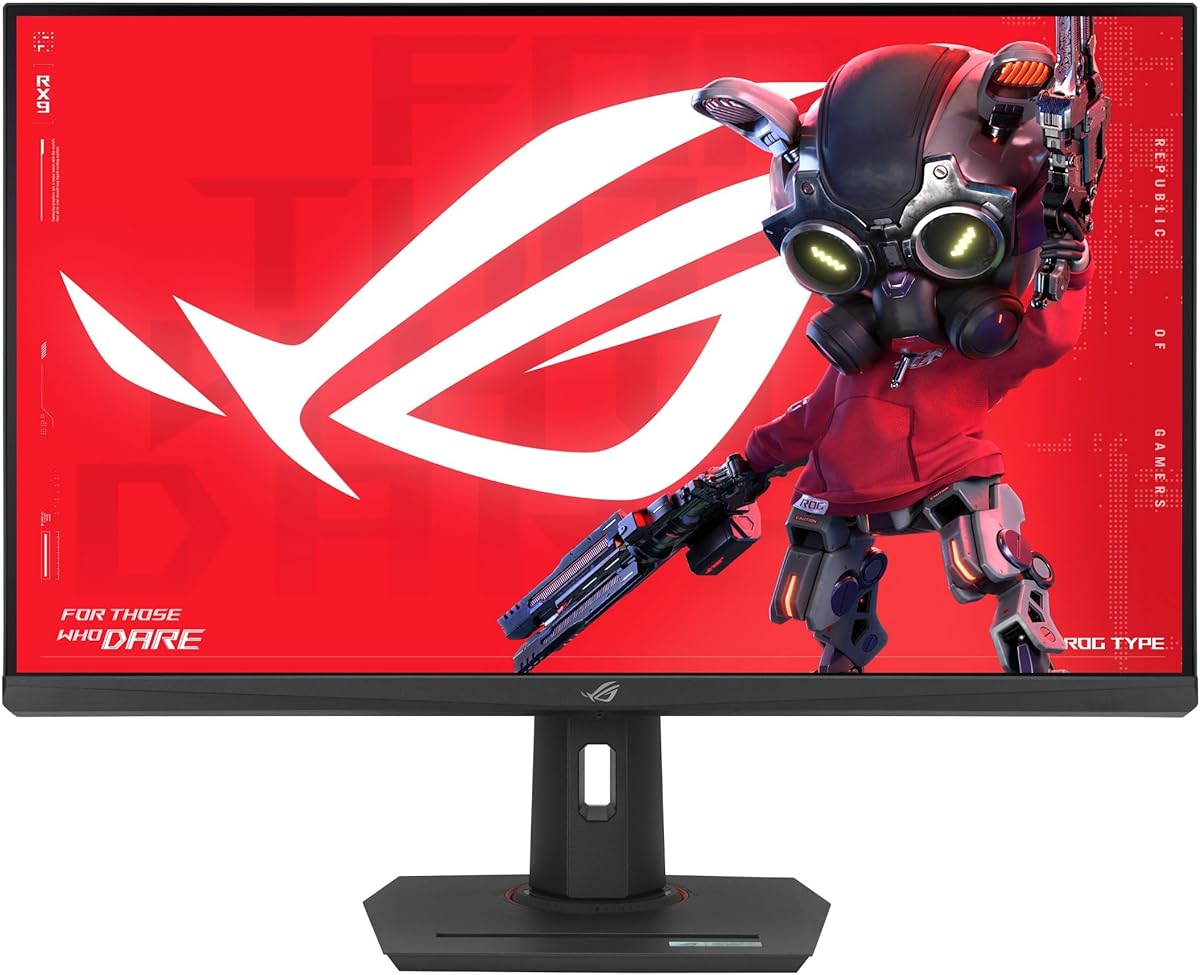
The ASUS ROG XG27ACS delivers high speed gaming at a competitive price point. Its 180Hz refresh rate and 1ms response time ensure smooth motion and minimal blur during intense play.
We may earn a commission when you buy through this link, at no additional cost to you.
G-SYNC compatibility prevents screen tearing which keeps visuals stable in fast-paced games. The USB-C hub allows for cleaner cable management by connecting peripherals directly to the monitor.
While it lacks advanced AI features it focuses on core performance metrics that gamers value most. DisplayWidget Center makes setting adjustments simple without navigating complex on-screen menus.
Buy this if you want high performance for competitive gaming without breaking the bank. It provides the speed and clarity needed to gain an edge in multiplayer matches.
This panel type offers fast pixel transitions for clear images even during rapid movements on screen.
Use your mouse to adjust settings instead of physical buttons for a smoother configuration experience.
We may earn a commission when you buy through this link, at no additional cost to you.
The SANSUI 27 Dual Mode offers flexibility by switching between 4K and FHD resolutions with different refresh rates. AI Crosshair and Sniper Scope features help competitive gamers gain an edge without external software.
We may earn a commission when you buy through this link, at no additional cost to you.
At 400 nits brightness this monitor stands out in brightly lit rooms. The Fast IPS panel ensures quick transitions and vivid colors which enhance both gaming and media viewing experiences.
Adjustments for tilt and height are standard but solid. AI Picture Quality settings improve visuals automatically though they are less sophisticated than premium models.
This is the top budget pick for gamers needing high refresh rates and sharp visuals. It delivers strong performance features without the high cost of brand-name equivalents.
Choose high resolution for detail or high speed for motion based on your game and hardware capabilities.
An AI overlay aids aiming for competitive titles reducing the need for manual aim training.
We may earn a commission when you buy through this link, at no additional cost to you.
The ASUS ROG XG32UCG brings premium gaming performance with 4K resolution at 160Hz. AI-Enhanced Gaming features optimize visuals dynamically for a more responsive experience.
We may earn a commission when you buy through this link, at no additional cost to you.
The 0.3ms response time is among the fastest available ensuring sharp images even in rapid action. A three-year warranty provides peace of mind for this expensive investment.
DisplayWidget Center simplifies settings but the sheer number of options may overwhelm some users. USB-C connectivity supports modern laptops making it versatile for hybrid work and play setups.
Buy this if you demand top-tier speed and resolution for competitive play. It represents the pinnacle of current gaming monitor technology with robust support.
AI tools analyze gameplay to adjust contrast and clarity in real time for better visibility.
Advanced pixel control ensures minimal blur even at ultra-high refresh rates.
We may earn a commission when you buy through this link, at no additional cost to you.
The SANSUI 34-inch Curved Monitor offers an immersive experience with its 21:9 aspect ratio and 1500R curve. It brings games and movies to life with deep immersion and wide views.
We may earn a commission when you buy through this link, at no additional cost to you.
AI Blue light reduction helps comfort during long sessions while Fast VA provides good contrast. The 200Hz refresh rate ensures smooth motion for fast-paced titles or creative work.
The stand offers tilt but limited swivel or height adjustment. There are no built-in speakers so external audio is required for multimedia use.
Choose this if you want wide immersion on a budget. It delivers strong performance and a large screen footprint without the premium price tag of competitors.
The 21:9 ratio increases productivity and gaming immersion by displaying more content at once.
Automatic reduction of harmful blue light helps reduce eye strain during extended usage.
We may earn a commission when you buy through this link, at no additional cost to you.
Choosing the right AI ready monitor requires understanding how smart features interact with your workflow. These factors will help you prioritize what matters most for your needs.
Resolution determines how sharp text and images appear. For AI enhanced visuals 4K is ideal as it offers enough pixels for detailed upscaling and clarity. Larger screens like 32 inches or more enhance immersion but require higher resolution to maintain sharpness.
Prioritize resolution that matches your tasks. High resolution aids design work while large size helps gaming or multitasking.
For gaming or motion-heavy content higher refresh rates like 120Hz or more reduce blur. Response time should be low to prevent ghosting. AI models often use motion smoothing which works best with fast panels.
Check both refresh rate and response time specs to ensure smooth visuals. High speed is essential for competitive gaming.
Monitors with webOS or similar platforms allow streaming without a PC. This reduces clutter but relies on internet access. Check app support for your preferred services.
Smart OS is useful for entertainment focused setups. Desktop users may prefer standard displays.
USB-C with power delivery is vital for laptop users. Multiple HDMI ports allow connecting consoles or PCs. Ensure the monitor supports the video standard of your GPU or console.
Look for ports that match your devices. USB-C simplifies setups by combining power and video in one cable.
Adjustable stands for height tilt and swivel protect posture. Fixed stands limit flexibility. AI monitors often include height adjustment for optimal viewing angles.
Ensure the stand supports ergonomic adjustments. This reduces neck strain during long work sessions.
AI tools can optimize color tone and noise reduction. Look for features like upscaling and voice amplification. These enhance content quality but may reduce offline flexibility.
Choose AI features that solve specific problems. Upscaling helps older content while noise reduction improves calls.
Creators need wide color gamuts like DCI-P3 or sRGB. Accuracy ensures work looks correct across devices. AI tone mapping can help adjust colors for different content.
Check color coverage percentages if you design or edit. Wide gamuts provide richer and more accurate images.
Prices vary widely based on size and features. Set a budget and prioritize key needs. AI capabilities may not be essential for basic work tasks.
Balance cost with performance. High-end features may not be needed if you only use the screen for office apps.
To get the most from your AI monitor start by calibrating settings through the on-screen menu. Use the AI tools to optimize brightness based on your room lighting. Avoid manual overrides unless needed.
Keep the screen clean using a microfiber cloth to prevent scratches. Do not spray liquid directly on the display. This protects the panel and maintains image clarity.
Update firmware regularly to access new AI features and bug fixes. Most models connect to the internet for updates. Ensure a stable connection to avoid installation errors.
Many AI ready monitors have built-in OS like webOS or Smart TV features which allow standalone streaming and media playback without a PC. However for productivity tasks you typically need a computer connected via HDMI or USB-C.
AI upscaling uses machine learning to increase the resolution of lower quality video to fit the monitor display. It adds detail to make content look sharper on high resolution screens like 4K panels.
Yes many models support high refresh rates and adaptive sync which reduce tearing. Some include gaming specific AI features like crosshairs or dynamic contrast to improve visibility during play.
This feature analyzes background noise and boosts dialogue volume to ensure speech remains clear. It is useful in loud environments like offices or during video calls where clarity matters.
Some models like Samsung Smart Monitors include interfaces to view and control IoT devices. This turns the screen into a dashboard for lights thermostats and other connected appliances in your home.
Yes many models detect ambient light to reduce brightness automatically. Some include energy saving modes that adjust power usage based on activity. This helps lower overall consumption during long use.
We explored ten models from versatile smart hubs like the Samsung M7 to high performance displays like the ASUS ROG. Each option offers distinct benefits for different users and budgets.
Prioritize what matters most to you. If streaming and convenience are key look for Smart OS features. For productivity check resolution and connectivity. Gamers should focus on refresh rates and response times.
Prices and deals change so revisit the links for the latest offers. Choose the monitor that fits your routine and ensures you get the most out of your viewing experience.