
ASUS ROG Strix G16 (2025)
4.4Editor score
Intel Core i7 14650HX
RTX 5060 GPU
165Hz FHD+ Display
This guide compares the top ten ASUS ROG Strix laptops for gaming and productivity, evaluating performance, display quality, cooling, and value for buyers.
Finding the right gaming laptop requires balancing power, portability, and price. The ASUS ROG Strix lineup offers a wide range of options tailored for different user needs and budgets.
We have evaluated ten distinct models based on their processors, graphics capabilities, display quality, and thermal performance to help you find the perfect match.
Each selection highlights key strengths and trade-offs so you can make an informed decision. Remember that availability and offers may change frequently over time.
4.4Editor score

4.3Editor score

4.3Editor score
This side-by-side comparison highlights the unique specifications and strengths of each model to simplify your decision process.



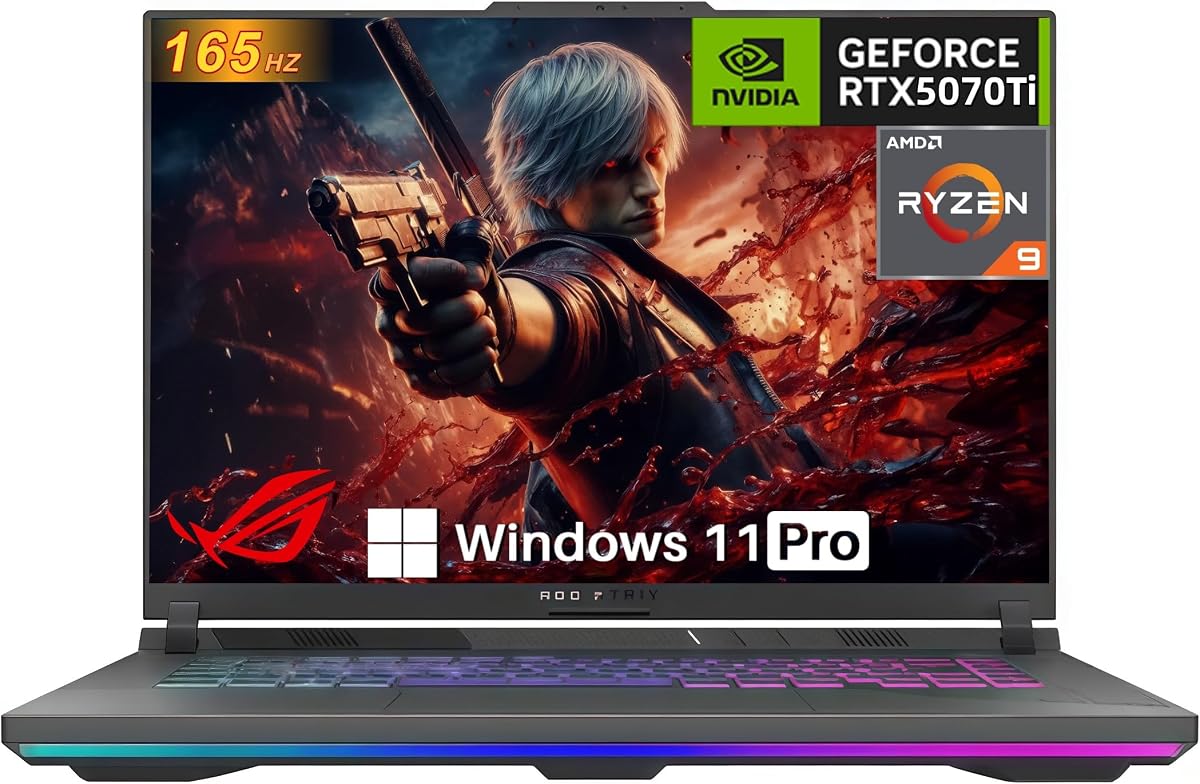

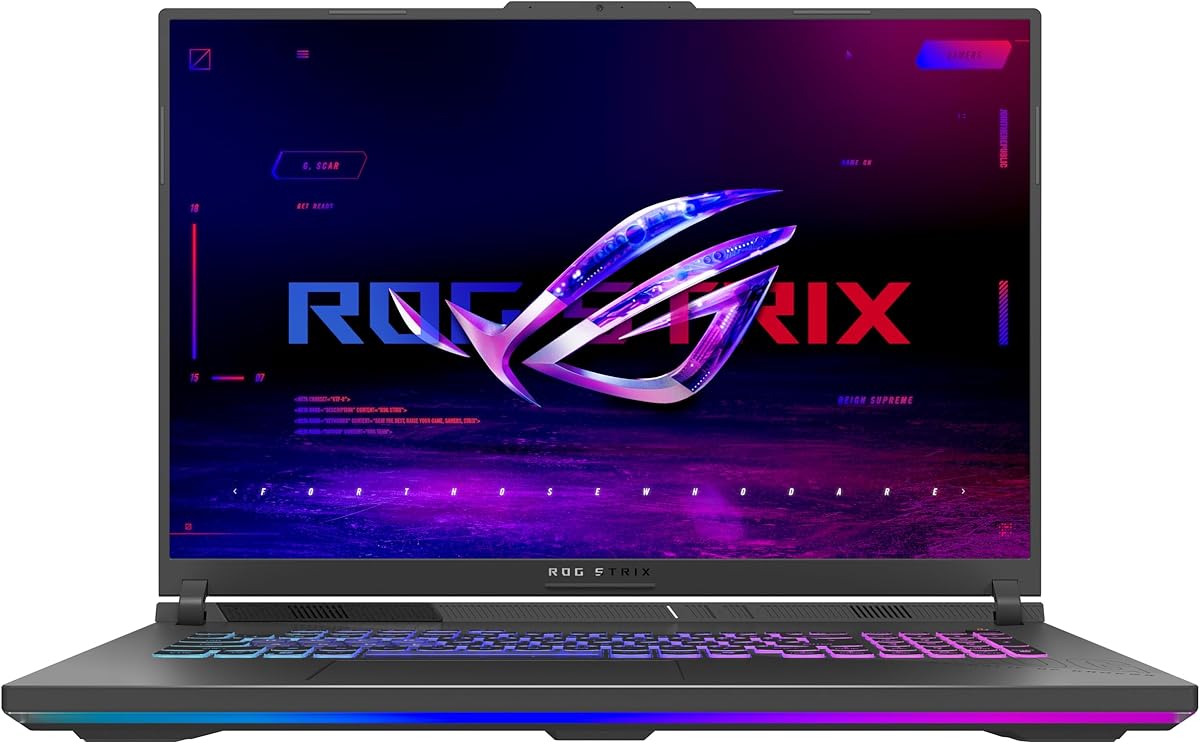
This model stands out as an excellent entry point into the ROG Strix ecosystem. With a solid rating, it delivers high-level performance without the premium price tag.
We may earn a commission when you buy through this link, at no additional cost to you.
The Intel Core i7 14650HX paired with the RTX 5060 ensures smooth gameplay and multitasking. The 165Hz display provides fluid visuals essential for competitive gaming sessions.
While it lacks the higher resolution screens of top-tier models, the value proposition is strong. The cooling system keeps thermals in check during extended use.
This laptop is ideal for gamers seeking a balance of performance and cost. It offers a reliable foundation for modern gaming and creative workloads.
The combination of the 14650HX processor and RTX 5060 GPU handles most modern titles with ease, supported by DLSS 4 technology for enhanced frame rates.
ROG Intelligent Cooling with tri-fan technology and liquid metal ensures the system remains cool and quiet, allowing for sustained peak performance.
We may earn a commission when you buy through this link, at no additional cost to you.
This model earns our top pick for its exceptional display and powerful specs. The Nebula screen offers vibrant visuals that elevate the gaming experience significantly.
We may earn a commission when you buy through this link, at no additional cost to you.
With the RTX 5070 Ti and Ultra 9 processor, it handles demanding tasks effortlessly. The 240Hz refresh rate ensures ultra-smooth motion for competitive advantages.
The 32GB of RAM allows for heavy multitasking without bottlenecks. While pricier, the performance and visual quality justify the investment for enthusiasts.
Recommended for users who prioritize screen quality and raw power. It excels in both gaming and content creation workflows where precision matters.
The 2.5K Nebula display with 240Hz refresh rate delivers crisp details and fast motion clarity, enhanced by ACR film for better contrast.
The Intel Core Ultra 9 275HX provides next-level computing speed, paired with the RTX 5070 Ti for high-fidelity gaming and rendering tasks.
We may earn a commission when you buy through this link, at no additional cost to you.
The Scar 18 offers a desktop replacement experience with its huge screen and robust specs. It stands out for its HDR capabilities and flexible upgradability.
We may earn a commission when you buy through this link, at no additional cost to you.
The 18-inch Nebula HDR display with Mini LED provides incredible brightness and contrast. This makes colors pop in games and creative software applications alike.
Features like the MUX Switch boost performance by routing frames directly from the GPU. The tool-free access simplifies maintenance for advanced users.
Best suited for users who want the biggest screen possible without compromise. It is an investment in ultimate visual immersion and high performance.
With 240Hz refresh and Mini LED zones, the screen delivers breathtaking visuals for gaming and content creation with vibrant colors and deep blacks.
Tool-free access allows users to upgrade RAM and SSD easily, ensuring the laptop remains powerful as needs grow over time.
We may earn a commission when you buy through this link, at no additional cost to you.
This variant combines a high-end Ultra 9 CPU with a premium display but uses a slightly lower tier GPU. It suits creators needing speed more than raw frame rates.
We may earn a commission when you buy through this link, at no additional cost to you.
The Nebula display with Dolby Vision brings visuals to life with rich colors. The 240Hz refresh rate ensures smooth motion during gameplay or editing.
While the RTX 5060 handles most games well, it may not match the Ti models for ultra settings. However, the CPU excels at rendering tasks.
Ideal for users prioritizing processing power and screen quality. It is a solid choice for hybrid workloads where both gaming and productivity matter.
The Ultra 9 processor paired with the 240Hz Nebula display provides a high-end visual and computing experience for creative and gaming users.
ROG Intelligent Cooling with vapor chamber and liquid metal maintains optimal temperatures even under heavy loads from the powerful CPU.
We may earn a commission when you buy through this link, at no additional cost to you.
This model brings AMD power to the ROG lineup with a capable RTX 5070 GPU. It focuses on balanced performance without the top-tier display cost.
We may earn a commission when you buy through this link, at no additional cost to you.
The Ryzen 9 processor delivers excellent multitasking and gaming speeds. The RTX 5070 ensures high frame rates in most titles at 1080p resolutions.
MUX Switch technology boosts gaming performance by directing frames from the dedicated GPU. It also helps battery life through smart switching between graphics modes.
Great for gamers looking for raw computing power at a competitive price. It is a strong option for those who do not need the highest resolution screen.
The Ryzen 9 9955HX offers powerful multi-threaded performance, ideal for heavy gaming loads and creative workflows needing fast processing.
Advanced Optimus and MUX Switch manage graphics switching efficiently, enhancing both battery life and gaming performance automatically.
We may earn a commission when you buy through this link, at no additional cost to you.
This model stands out for its exceptional gaming power with a potent GPU and massive memory. Users praise its smooth performance in demanding titles.
We may earn a commission when you buy through this link, at no additional cost to you.
The RTX 5070 Ti with 140W TGP provides desktop-level graphics performance. It handles ray tracing and high settings with ease in most games.
With 32GB of RAM, multitasking and content creation are seamless. The inclusion of Ethernet ensures stable connectivity for competitive gaming scenarios.
Recommended for gamers seeking raw performance without needing the most expensive premium features. It is a reliable choice for long-term gaming satisfaction.
The 5070 Ti GPU offers next-level fidelity with DLSS and frame generation technologies for smooth gameplay and high visual quality.
Includes USB-C, HDMI 2.1, and Ethernet for versatile connections, ensuring compatibility with external displays and peripherals easily.
We may earn a commission when you buy through this link, at no additional cost to you.
This model focuses on user-friendly upgradability without needing tools to maintain or enhance its performance. It offers powerful specs with an accessible design.
We may earn a commission when you buy through this link, at no additional cost to you.
The Ryzen 9 and RTX 5070 Ti deliver excellent speed for games and workflows. Users can upgrade RAM and storage quickly thanks to the Q-Latch system.
Tool-free access is a unique advantage for those who want to tweak their hardware. It future-proofs the device against aging components or storage needs.
Best for technically inclined users who value customization. It provides a balance of high performance and maintenance flexibility in a portable form.
Tool-free access to RAM and SSD lets you upgrade components in seconds without tools, making maintenance simple and fast for users.
ROG Intelligent Cooling with vapor chamber keeps the system running cool, ensuring sustained high performance during intensive gaming sessions.
We may earn a commission when you buy through this link, at no additional cost to you.
This 2026 model brings the latest RTX 5080 GPU and powerful Ultra 9 processor for ultimate gaming performance. It leads the line with premium features.
We may earn a commission when you buy through this link, at no additional cost to you.
The ROG Nebula HDR display with 240Hz offers stunning visuals for games and content. The screen quality is top-tier with AGLR film to reduce glare.
Features like the MUX Switch boost gaming performance directly from the dGPU. The included Game Pass adds extra value for exploring new titles.
Perfect for enthusiasts who want the absolute best in performance and visuals. It is a future-proof investment for high-end gaming and creative work.
The ROG Nebula HDR screen with Dolby Vision HDR brings colors to life with rich, vibrant tones and deep contrast for immersive viewing.
ROG Intelligent Cooling with vapor chamber and liquid metal ensures the laptop stays quiet and cool even under heavy performance loads.
We may earn a commission when you buy through this link, at no additional cost to you.
This model stands out with its massive 2TB storage capacity alongside a powerful display and CPU. It is designed for users needing ample space.
We may earn a commission when you buy through this link, at no additional cost to you.
The 2TB Gen 4 SSD ensures fast loading and plenty of room for games and files. The 240Hz Nebula screen offers crisp and smooth visuals.
With 32GB of RAM and Windows 11 Pro, it supports professional workflows alongside gaming. The display quality enhances both work and entertainment.
Ideal for users who need both storage capacity and high-quality visuals. It balances professional features with solid gaming performance effectively.
The 2TB PCIe Gen 4 SSD provides raw throughput up to 7000MB/s for lightning-fast load times and ample space for large libraries.
The 2.5K Nebula display with 240Hz refresh rate delivers vivid colors and smooth motion with Dolby Vision HDR support for rich visuals.
We may earn a commission when you buy through this link, at no additional cost to you.
This G18 model offers a larger screen at an accessible price point. It is great for users who prioritize screen size over raw graphics power.
We may earn a commission when you buy through this link, at no additional cost to you.
The Ryzen 9 processor handles daily tasks and games efficiently. The 144Hz display provides smooth visuals, making it suitable for casual gaming.
While the RTX 5050 limits high-end gaming, it handles most titles well at moderate settings. The large screen enhances immersion for media consumption.
Best for users seeking a desktop replacement feel on a budget. It provides a solid foundation for casual gaming and entertainment.
The 18-inch display offers expansive visuals for gaming and media, providing an immersive experience similar to a desktop monitor.
The AMD Ryzen 9 processor delivers strong performance for everyday tasks and light gaming with reliable power efficiency.
We may earn a commission when you buy through this link, at no additional cost to you.
Choosing the right laptop involves evaluating several critical factors to ensure it meets your specific needs and budget constraints effectively.
The GPU is central to gaming and rendering performance. Look for models with RTX 5060 or higher depending on your visual fidelity requirements.
Prioritize RTX 5070 Ti or 5080 for high settings and future-proofing in demanding titles.
Modern Intel Core Ultra or AMD Ryzen 9 processors handle multitasking and gaming efficiently. Choose Ultra 9 or Ryzen 9 for top performance.
Ensure the processor matches your workload whether it be gaming creative work or general computing tasks.
Refresh rates like 144Hz or 240Hz are vital for smooth gameplay. Nebula displays offer better color accuracy and contrast for creatives.
Higher resolution screens enhance clarity but demand more GPU power to maintain high frame rates effectively.
16GB RAM is standard for gaming but 32GB allows for seamless heavy multitasking. Aim for at least 1TB of SSD storage for games.
Tool-free upgrade access helps future-proof the machine if you need to expand memory or storage later on.
Effective cooling prevents throttling during extended gaming sessions. ROG Intelligent Cooling with liquid metal helps maintain stable performance.
Look for vapor chamber and tri-fan technology to ensure the system stays quiet and cool under load.
Gaming laptops often have shorter battery life. Advanced Optimus helps improve efficiency when away from a power source for work tasks.
Larger screens and powerful components increase weight so consider if portability is a priority for your lifestyle.
Check for USB-C, HDMI 2.1, and Ethernet ports to connect external displays and peripherals easily. Wi-Fi 7 offers faster network speeds.
Ensure the laptop has enough ports to support your current setup without needing excessive adapters.
Determine your spending limit and prioritize specs that matter most to your usage. Higher tier models cost more but offer longer usable lifespans.
Compare features carefully to find the best balance between performance and cost for your needs.
Keep the laptop on a hard flat surface to ensure vents are not blocked. This helps the cooling system work efficiently and prevents overheating during use.
Use the Armoury Crate software to customize RGB lighting and performance profiles. Adjusting settings can help balance power consumption and battery life effectively.
Regularly update drivers and BIOS through the MyASUS app for stability and security. Clean dust from vents every few months to maintain optimal airflow.
The ROG Nebula display features high refresh rates and often HDR support for vibrant colors and smooth motion. It reduces glare and enhances contrast for better visibility.
Many models offer tool-free access slots for RAM and SSD upgrades. Check the specific product details to confirm upgrade options for your model.
The MUX Switch bypasses the integrated GPU to route frames directly from the dedicated GPU. This boosts gaming performance by up to 10% in some cases.
Yes, with high-end processors and Nebula displays these laptops are well suited for video editing and 3D rendering tasks alongside gaming.
ROG Intelligent Cooling uses vapor chambers and liquid metal on the chipset. This helps dissipate heat efficiently keeping the system quiet and cool.
Warranty terms may vary but generally cover hardware defects for a year. Check the seller page for specific warranty and return policy details.
The ASUS ROG Strix lineup offers diverse options from budget-friendly to premium high-performance machines. Our top picks highlight models that excel in specific categories.
Prioritize display quality and cooling if you game frequently. For productivity and creation look for stronger CPUs and more RAM.
Always verify current specifications and availability as product configurations may change over time.