
BenQ MA270UP 27 Inch 4K
4.3Editor score
Mac Color Match technology
90W Power Delivery
Dual USB-C ports
Finding the right external display for your MacBook Pro can transform your workflow significantly. A high-quality monitor enhances productivity by offering more screen real estate and better color fidelity for creative tasks.
We have carefully selected ten top-rated models that pair exceptionally well with Apple laptops. Each option was chosen based on compatibility, screen quality, and the ability to support professional demands without compromising performance.
Our detailed reviews highlight key features and potential trade-offs for each display. Please note that availability and pricing may fluctuate over time, so checking current listings is always recommended before making a final purchase decision.
4.3Editor score
5.0Editor score

4.7Editor score
As an Amazon Associate we earn from qualifying purchases.
This side-by-side comparison highlights the key specifications of each monitor to help you decide which model fits your specific needs and budget requirements best.



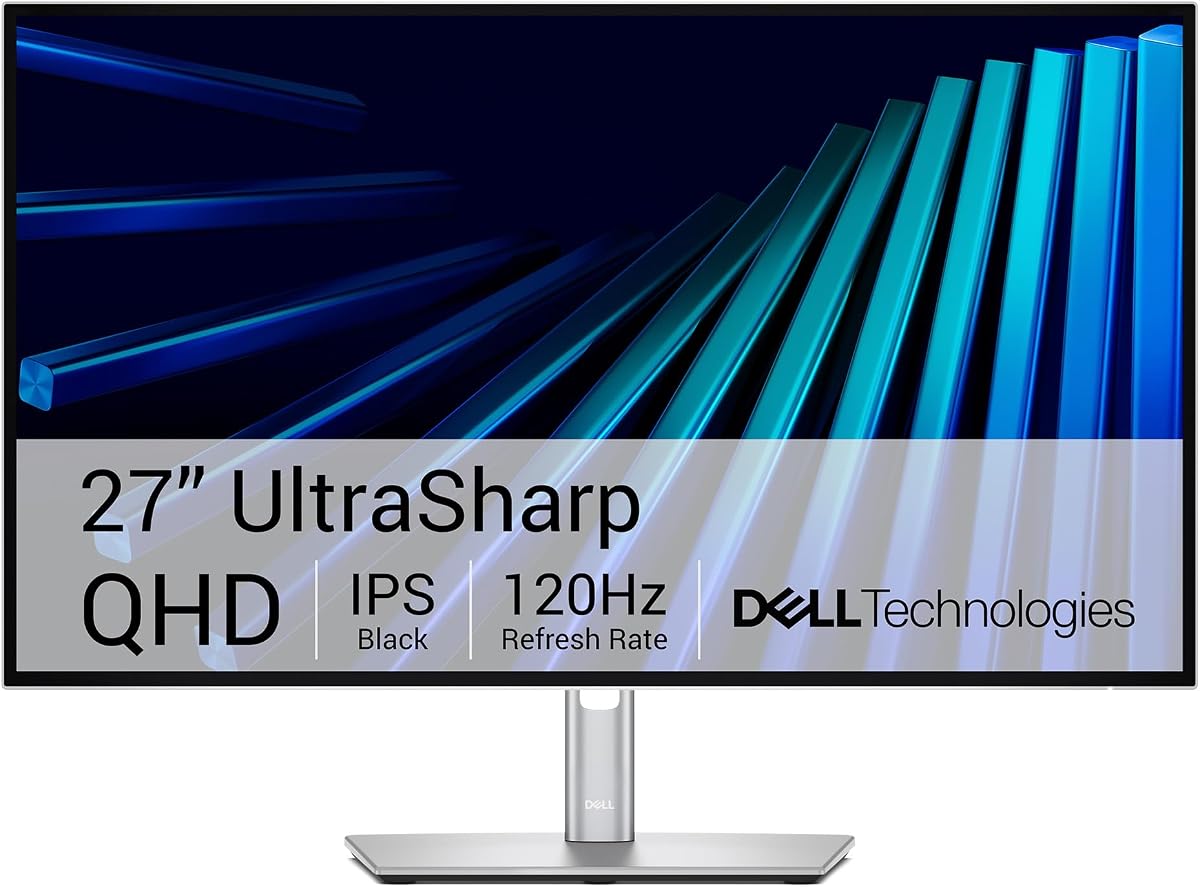
The Dell UltraSharp 27 Thunderbolt Hub Monitor stands out as a top choice for professionals seeking a high-performance display. With a perfect rating, it promises reliability and quality that few competitors can match.
We may earn a commission when you buy through this link, at no additional cost to you.
Its factory-calibrated color accuracy and 98% Display P3 coverage ensure that your designs and videos look exactly as intended. The built-in KVM switch allows you to control multiple devices with a single keyboard and mouse, enhancing productivity significantly.
While the price point is higher than many alternatives, the premium features justify the investment for serious users. The QHD resolution is crisp enough for most tasks, though some might prefer 4K for pixel-perfect clarity.
This monitor is ideal for creators and executives who need a refined, borderless screen that keeps them connected and productive. It is a strong recommendation for anyone prioritizing performance and aesthetics in their workspace.
This Thunderbolt display works beautifully with macOS, offering color accuracy that matches Apple standards out of the box.
The built-in KVM switch simplifies workflow by letting you switch between machines easily without extra peripherals.
We may earn a commission when you buy through this link, at no additional cost to you.
The BenQ MA270UP is engineered specifically for MacBook Pro and Air users, offering a tailored experience that few other monitors can provide. Its vibrant P3 wide color gamut ensures colors match what you see on your laptop.
We may earn a commission when you buy through this link, at no additional cost to you.
Features like Mac Color Match and integrated brightness controls allow you to adjust settings directly from your MacBook keyboard. The dual USB-C ports deliver 90W power delivery, charging your device while powering the display with a single cable.
Despite the higher price, the value is significant for Mac users needing precise color replication and seamless connectivity. Some might find the Mac-specific features limiting if they switch to Windows later, but for Apple fans it is perfect.
This monitor is highly recommended for those who want a display that feels like a natural extension of their MacBook. It combines premium build quality with smart features that enhance daily workflow efficiency.
Exclusive color tuning ensures the monitor reproduces MacBook colors accurately for consistent creative work.
Adjust brightness and volume using your MacBook keyboard for a truly unified user experience.
We may earn a commission when you buy through this link, at no additional cost to you.
The Dell 24 Plus Monitor offers exceptional value for those on a budget who still want smooth visuals. With a high refresh rate and fast response time, it delivers a tear-free viewing experience for both work and light gaming.
We may earn a commission when you buy through this link, at no additional cost to you.
Its FHD resolution is clear enough for general tasks, and the integrated speakers add convenience to your setup. The eye comfort certifications ensure reduced strain during long sessions, making it a reliable companion for daily use.
While it lacks 4K resolution and USB-C connectivity, its affordability makes it a practical choice for secondary screens or casual users. The adjustable stand provides flexibility to find the right viewing angle comfortably.
We recommend this monitor for students or professionals who need a dependable, cost-effective display without sacrificing basic performance. It is a smart buy for anyone prioritizing value and comfort over high-end specs.
The 144Hz refresh rate ensures fluid motion, making it great for video playback and dynamic content.
TUV certification reduces blue light, helping to minimize eye strain during extended working hours.
We may earn a commission when you buy through this link, at no additional cost to you.
The Dell 27 Monitor S2725QC combines 4K UHD visuals with a 120Hz refresh rate for a smooth experience. It offers 99% sRGB coverage ensuring accurate colors for general creative work and media consumption.
We may earn a commission when you buy through this link, at no additional cost to you.
Its improved ComfortView Plus reduces harmful blue light without sacrificing color accuracy, supporting all-day comfort. A single USB-C cable provides up to 65W power delivery, helping to keep your desk organized and clutter-free.
While not perfect for high-end HDR content, it strikes a balance between performance and price. The sound quality has been re-engineered for better depth and output, adding to the immersive viewing experience.
This monitor is a strong contender for users wanting 4K clarity and smooth motion at a competitive price. It suits those looking for a reliable display for both productivity and entertainment needs.
Reduces blue light significantly to protect your eyes during long periods of screen usage.
USB-C with 65W delivery simplifies your setup by charging and connecting the screen in one go.
We may earn a commission when you buy through this link, at no additional cost to you.
The LG 27UP850K-W delivers stunning image quality with its 4K UHD display and HDR400 support. It features up to 95% DCI-P3 color gamut expression, bringing brilliant colors to life for content creation.
We may earn a commission when you buy through this link, at no additional cost to you.
Connectivity is robust with USB-C for data and power up to 90W, alongside DisplayPort and HDMI. Built-in stereo speakers with Waves MaxxAudio add to the immersive experience without needing external audio gear.
Its ergonomic stand allows flexible adjustment of height, tilt, and pivot for optimal viewing comfort. While HDR is present, it may not match dedicated HDR monitors, but it is sufficient for most casual users.
This monitor is ideal for anyone needing versatile connectivity and vibrant visuals. It is a solid choice for home offices and creative work where color accuracy matters.
Enjoy more ways to connect with USB-C, HDMI, and DisplayPort to suit any setup needs.
The Switch App allows easy screen splitting and multitasking for improved workflow efficiency.
We may earn a commission when you buy through this link, at no additional cost to you.
The Philips 24 Inch Computer Monitor delivers crisp Full HD visuals with a high-contrast VA panel. Its 100Hz refresh rate ensures smoother motion compared to standard 60Hz displays, enhancing daily usability.
We may earn a commission when you buy through this link, at no additional cost to you.
The sleek bezel-free design allows for seamless multi-monitor setups that enhance your workflow. EasyRead mode provides a more paper-like experience for viewing lengthy documents without strain.
While response times may be slightly slower than IPS, the color consistency is excellent. It lacks advanced ports but covers basics for general office tasks well.
This is a fantastic budget-friendly option for those needing a reliable secondary screen. It is highly recommended for office workers seeking value and eye comfort.
The VA panel produces brighter whites and deeper blacks for true-to-life images.
Wide viewing angles ensure consistent colors from any position.
We may earn a commission when you buy through this link, at no additional cost to you.
The LG 27US500-W brings a 4K UHD IPS display with a clean borderless design to your desk. It offers a 1000:1 contrast ratio for deeper blacks and vivid colors suitable for creative professionals.
We may earn a commission when you buy through this link, at no additional cost to you.
With HDR10 support and up to 90% DCI-P3 color gamut expression, this monitor renders content effectively. The Onscreen Control app lets you split the display and customize options easily.
Its ergonomic stand adjusts tilt for optimal positioning but lacks USB-C for simpler setups. The white finish looks modern but may require more frequent cleaning than darker models.
This monitor is perfect for those prioritizing visual clarity and a sleek aesthetic. It fits well in modern workspaces needing a reliable 4K display.
View highly-detailed digital imagery from any angle without color shifting.
Use the Onscreen Control app to tailor your layout for better multitasking.
We may earn a commission when you buy through this link, at no additional cost to you.
The BenQ PD2706QN is a Mac-Ready monitor offering 2K QHD resolution with excellent color consistency. It covers 95% P3 and 100% sRGB with uniformity technology ensuring even color across the screen.
We may earn a commission when you buy through this link, at no additional cost to you.
An all-in-one USB-C port delivers 90W power and data, charging your devices seamlessly. The factory-calibrated color accuracy helps intuitive matching across displays, ideal for designers.
Its anti-glare nano matte panel preserves contrast and reduces glare for better eye comfort. While not 4K, it balances sharpness with performance for professional use.
This is an excellent choice for Mac users needing reliable color and connectivity. It is recommended for designers who value consistency and ergonomic comfort.
Ensures color consistency across the entire panel for accurate work.
Synchronize images and charge devices all through a single USB-C cable.
We may earn a commission when you buy through this link, at no additional cost to you.
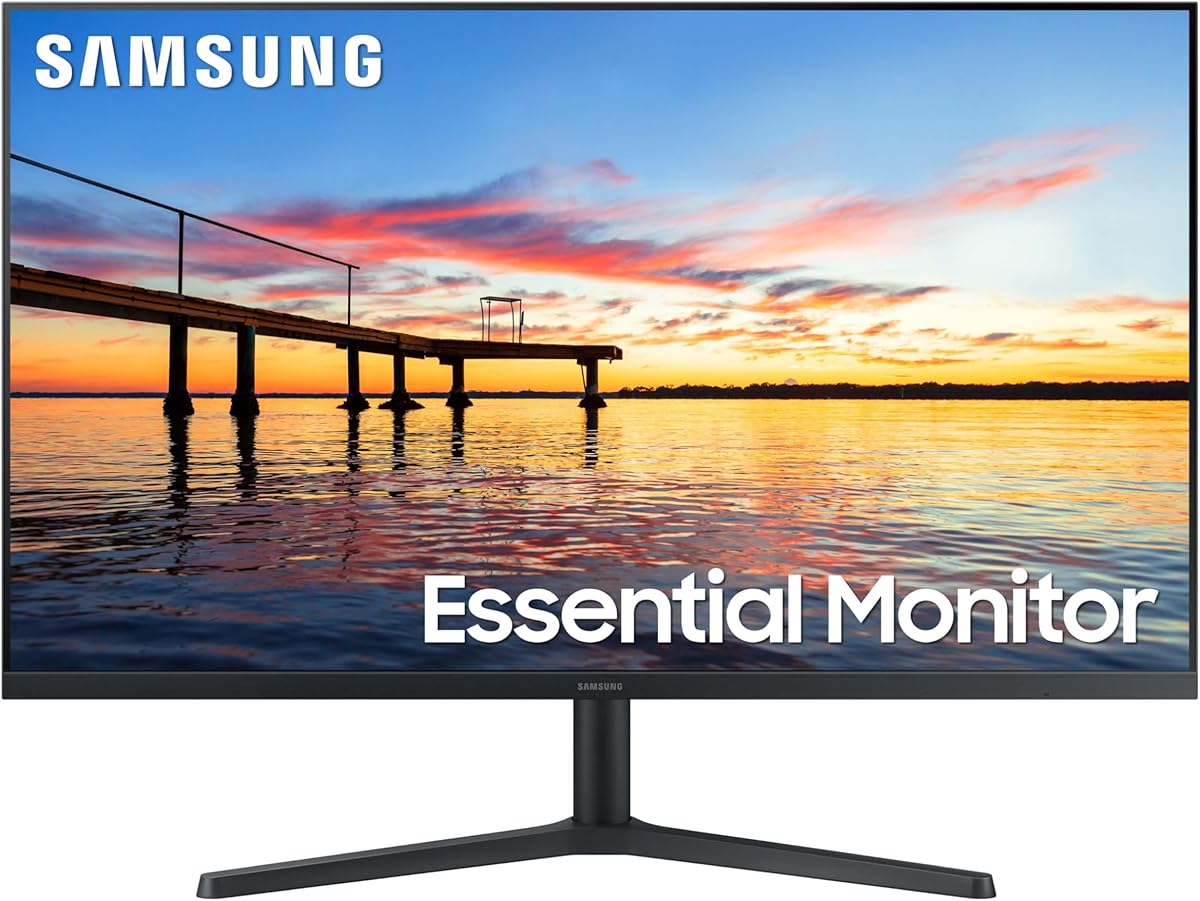
The Samsung 32 Inch Flat Computer Monitor brings a large screen to your desk for expansive viewing. Its three-sided borderless display offers a clean aesthetic suitable for multi-monitor setups.
We may earn a commission when you buy through this link, at no additional cost to you.
With a 75Hz refresh rate and AMD FreeSync, it delivers smooth visuals for movies and casual games. Eye comfort technology reduces strain with flicker-free and blue light reduction.
This monitor excels as a secondary screen or for general media consumption due to its size. However, it lacks higher refresh rates and USB-C for professional workflows.
It is a great option for those needing extra screen space without breaking the bank. Ideal for home entertainment and light office use.
Displays line up seamlessly for a virtually gapless view without distractions.
Flicker-free technology removes screen flicker to minimize eye fatigue.
We may earn a commission when you buy through this link, at no additional cost to you.
The LG 27U631A-B offers a 27-inch QHD IPS display with vivid visuals and a 100Hz refresh rate. It features HDR10 for enhanced picture quality and Reader Mode to reduce eye fatigue.
We may earn a commission when you buy through this link, at no additional cost to you.
USB Type-C connectivity with 15W power delivery helps connect external devices conveniently. The virtually borderless design keeps focus on the screen with minimal bezels.
While the USB-C power is low, it serves well for data transfer. Its balance of specs makes it a versatile pick for various users.
This monitor is recommended for those seeking a smooth, comfortable viewing experience. It fits well in home office environments needing reliable performance.
IPS technology provides vibrant visuals even at wider viewing angles.
Dynamic Action Sync reduces input lag for more responsive gameplay.
We may earn a commission when you buy through this link, at no additional cost to you.
Selecting the right monitor requires considering several factors to ensure it meets your specific needs for productivity and creative work.
Resolution determines the clarity of images and text on your screen. For professional work, 4K is ideal for detail, while QHD offers a balance of sharpness and cost. Screen size affects how much content you can view at once, with 27 inches being a popular choice for MacBook users.
Choose 4K for design work and QHD for general use to balance detail and performance.
Color accuracy ensures that what you see on the screen matches printed or digital output. Look for monitors with wide color gamuts like sRGB and DCI-P3 coverage. Factory calibration helps reduce the need for manual adjustments.
Prioritize monitors with high DCI-P3 coverage if you work with images or video.
Connectivity options define how easily you can connect your MacBook to the monitor. USB-C with power delivery is essential for a clean setup that reduces cable clutter. HDMI and DisplayPort offer alternative connections for other devices.
Ensure the monitor has USB-C with sufficient wattage to charge your laptop.
The refresh rate impacts how smooth motion appears on the screen. Standard 60Hz is fine for office tasks, but higher rates like 120Hz offer smoother visuals for videos and gaming. This can also reduce motion blur during scrolling.
Opt for 120Hz or higher if you consume lots of video content or game.
Different panels like IPS, VA, and OLED offer varying benefits. IPS panels provide better viewing angles and color consistency which are crucial for Mac users. VA panels offer deeper blacks and higher contrast suitable for dark environments.
Choose IPS for color accuracy and wide viewing angles in most professional settings.
Adjustable stands help maintain a healthy posture by allowing height and tilt adjustments. A stand that offers pivot and swivel can accommodate different working positions. This reduces strain during long working hours.
Look for stands with height and tilt adjustment to prevent neck pain.
Additional features like KVM switches or USB hubs increase functionality. Some monitors offer apps for better screen management or integrated speakers. These can save desk space and improve workflow efficiency.
Consider integrated hubs or KVM if you use multiple devices regularly.
Your budget will dictate the features you can access easily. While premium models offer better quality, there are affordable options that suit basic needs. Determine which features are essential versus optional for your use case.
Set a clear budget range and prioritize essential features first.
Connect your monitor to your MacBook using a compatible cable such as USB-C or HDMI. Ensure the connection supports both video and power delivery if needed for charging. Adjust the stand height and tilt to align the screen with your eye level for comfort.
Configure display settings in macOS to match the monitor resolution and color profile. Use the display settings menu to arrange screens if using multiple monitors for extended workspace. Enable night shift features to reduce blue light exposure during evening hours.
Keep the screen clean by using a soft microfiber cloth to wipe away dust and fingerprints. Avoid using harsh chemicals that might damage the coating on the panel. Regular cleaning helps maintain image quality and extends the life of your display.
USB-C is highly recommended because it allows for both video output and charging through a single cable. This reduces cable clutter and keeps your workspace tidy. Most modern MacBooks support USB-C for display connections efficiently.
4K offers sharper text and more detail which is beneficial for design and video work. However QHD is still very clear and easier on system resources. Your choice depends on your specific workflow needs and screen size.
Yes you can connect any standard monitor to a MacBook using the right adapter or cable. Make sure the monitor supports HDMI or DisplayPort inputs. Some features might not work if the monitor lacks Mac-specific drivers.
Check your display settings in macOS to ensure the resolution is set correctly. Using scaling options can also help adjust text size for clarity. Avoid low resolutions that do not match the panel native aspect ratio.
DCI-P3 is ideal for creative work as it offers a wider color gamut than sRGB. Monitors with high DCI-P3 coverage ensure accurate color representation. This is crucial for photographers and video editors needing consistent results.
Built-in speakers are convenient for basic audio but lack depth compared to external speakers. They are fine for meetings and general use but not for critical audio. You may want to connect external headphones or speakers for better sound.
We have reviewed ten top monitors that offer a range of options from budget to premium. The Dell UltraSharp and BenQ models stand out for their seamless Mac integration and color accuracy.
Prioritize resolution color accuracy and connectivity when making your decision. Your choice should align with how you use your computer daily for optimal results.
Remember to check current availability and prices before purchasing. Technology evolves quickly so staying updated on the latest models ensures you get the best value.