
HP Chromebook 14 Laptop
4.3Editor score
Intel Celeron N4120
Up to 14 Hours Battery
Chrome OS System
Finding the right laptop for back to school is essential for academic success and daily productivity. You need a machine that balances performance with portability, ensuring it can handle coursework, research, and entertainment without weighing you down.
We evaluated ten top models based on processor power, memory capacity, storage options, and build quality. Each device was assessed for its ability to support multitasking, battery longevity, and connectivity needs essential for modern students.
Each pick highlights specific strengths like budget value or premium features to help you decide. Keep in mind that prices and availability fluctuate frequently, so check current listings before making your final purchase decision.
4.3Editor score

4.4Editor score
4.7Editor score
As an Amazon Associate we earn from qualifying purchases.
This table provides a side-by-side comparison of all ten selected laptops, highlighting their core specifications to help you identify the model that best fits your academic and personal computing needs.


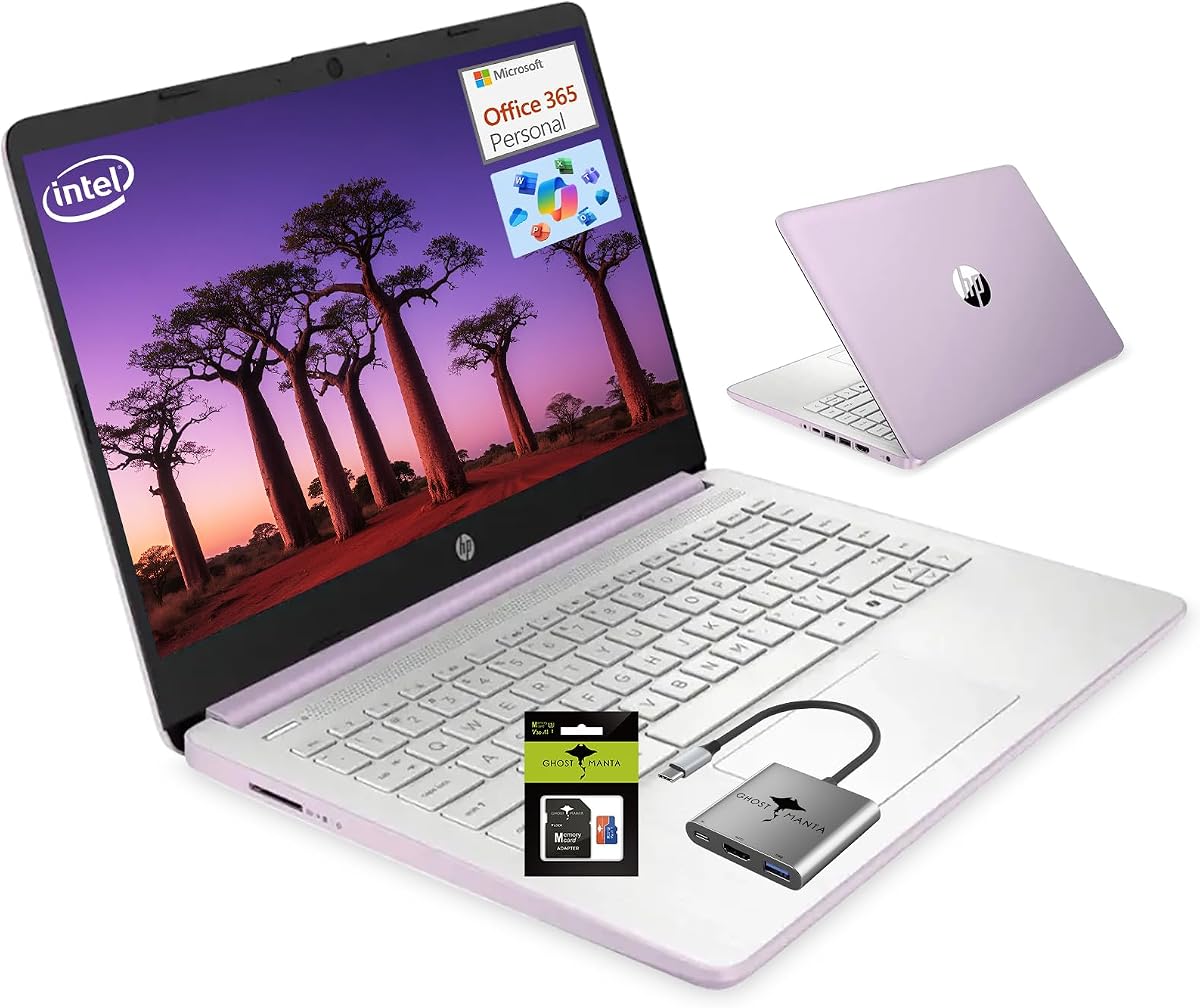
This HP Essential Laptop stands out as a top contender for students seeking a balanced machine for academic work. With a rating of 4.4, it delivers reliable performance through its Intel N150 processor and efficient DDR5 memory support for seamless multitasking.
We may earn a commission when you buy through this link, at no additional cost to you.
Its key strength lies in the modern feature set including Wi-Fi 6 for fast internet speeds and a dedicated Copilot key for AI assistance. The laptop includes a year of Microsoft 365, ensuring immediate access to essential tools like Word and Excel without extra cost.
While the internal storage is limited to 128GB, the inclusion of cloud storage options and USB-C connectivity mitigates this for most users. The display offers clear viewing with anti-glare coating, though the resolution is standard for this price tier.
Students who need a portable device for classes and home study will find this model ideal. Its combination of productivity software and modern connectivity makes it a smart choice for everyday academic demands.
The dedicated Copilot key provides instant access to AI tools for helping with research and writing tasks.
Battery life supports up to 11 hours of video playback ensuring you stay powered throughout long school days.
We may earn a commission when you buy through this link, at no additional cost to you.
This Chromebook offers an incredibly affordable entry point for students needing a reliable device for basic tasks. With a 4.3 rating, it is praised for its long battery life and portability making it perfect for students on a strict budget.
We may earn a commission when you buy through this link, at no additional cost to you.
The Intel Celeron N4120 processor handles web browsing and document editing efficiently. Chrome OS provides a secure and simple interface that is easy to maintain. The 14-inch display is bright enough for classroom use without eye strain.
Storage is the main limitation with only 64GB available locally. However, reliance on cloud storage is common for Chromebooks. The fast charge technology ensures you can quickly top up power during breaks.
Students focused on web-based learning and streaming will find this model meets all their needs. Its lightweight chassis and long battery life make it a top budget pick for school.
Up to 14 hours of battery life ensures the device lasts through multiple classes without needing a charger.
HP Fast Charge technology allows the laptop to reach 50 percent charge in about 45 minutes for quick power.
We may earn a commission when you buy through this link, at no additional cost to you.
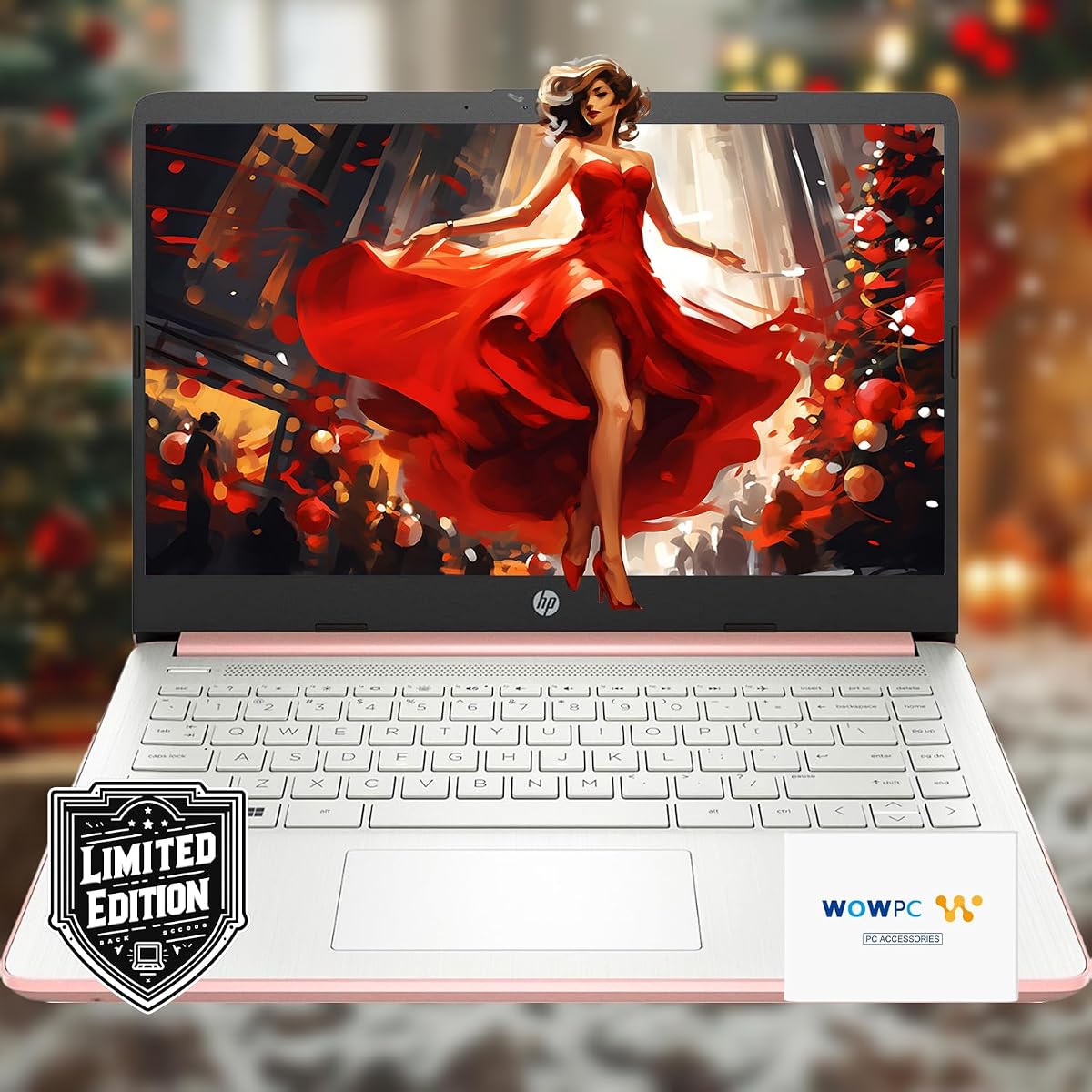
This Limited Edition model offers premium features including 16GB of RAM and substantial storage solutions making it a powerhouse for multitasking. With a 4.7 rating, it stands out for students needing high performance and extensive file storage.
We may earn a commission when you buy through this link, at no additional cost to you.
The inclusion of a 512GB external drive and 1TB OneDrive ensures you never run out of space for projects. The quad-core processor delivers smooth performance for demanding applications. The stylish design adds a touch of elegance to your tech setup.
While the internal storage is limited to 64GB, the bundled external and cloud storage effectively compensate for this. The battery life supports a full day of work or study sessions. Connectivity options like USB-C make it versatile.
Students who deal with large media files or complex projects will appreciate the hardware power. This bundle is the best choice for those seeking top-tier specs and convenience in one package.
The package includes an external drive and cloud storage totaling 1600GB to handle massive amounts of data easily.
With 16GB of RAM you can run multiple heavy applications simultaneously without slowdown or lag.
We may earn a commission when you buy through this link, at no additional cost to you.
This model features a larger 15.6-inch screen providing more workspace for documents and spreadsheets. It includes 16GB of RAM and a mix of SSD and external storage to handle various academic tasks comfortably.
We may earn a commission when you buy through this link, at no additional cost to you.
The Intel Pentium N5030 is suitable for everyday tasks like web browsing and media consumption. The bundled external drive offers immediate expansion. The display brightness and color accuracy are decent for typical use.
Portability is slightly reduced due to the larger chassis compared to 14-inch models. However the screen real estate is beneficial for split-screen work. It is a good fit for students who prioritize screen size over weight.
If you need a desktop replacement experience in a laptop form factor this model works well. It balances screen size with memory capacity for standard school applications.
The 15.6 inch screen offers ample room for multitasking and viewing detailed content without external monitors.
A 512GB external hard drive is included to ensure you have plenty of local backup space available.
We may earn a commission when you buy through this link, at no additional cost to you.
This laptop emphasizes portability and modern memory technology with DDR5 RAM support. It is lightweight and easy to carry between classes while running Windows 11 efficiently for student needs.
We may earn a commission when you buy through this link, at no additional cost to you.
The Intel N150 processor provides capable performance for daily tasks. 1TB of cloud storage helps offset the local 128GB limitation ensuring you can save files online securely. The display offers anti-glare coating for better visibility.
While 4GB of RAM is manageable for web tasks, it may limit heavy multitasking. The slim profile and light weight make it an excellent choice for commuting students who value convenience.
Ideal for general education and writing tasks this model keeps your setup simple. The included cloud access ensures your work is safe and accessible from multiple devices.
DDR5 RAM allows for faster data processing and better power efficiency compared to previous generations.
1TB of cloud storage ensures your files are safe online even if local drive space runs low.
We may earn a commission when you buy through this link, at no additional cost to you.
This model is designed with professional productivity in mind featuring Windows 11 Pro and AI tools. The DDR5 RAM ensures efficient operation and the Wi-Fi 6 connectivity offers reliable internet speeds in crowded campus networks.
We may earn a commission when you buy through this link, at no additional cost to you.
The Intel N150 processor handles typical student workloads well. The bundle includes useful accessories like wireless earbuds and a mouse making it ready to use right away. Anti-glare display helps during long study sessions.
The Pro version of Windows offers better security and remote features than Home edition. However the internal storage is modest so external drives may be needed eventually. The Lavender color adds a stylish touch.
For students needing professional grade features this laptop is a strong option. It balances business capabilities with student affordability through the bundled accessories.
Windows 11 Pro provides enhanced security and encryption tools important for protecting sensitive academic work.
Includes wireless earbuds mouse and cables to provide a fully functional setup without extra purchases.
We may earn a commission when you buy through this link, at no additional cost to you.
This laptop offers 8GB of RAM which is a significant advantage for smooth multitasking compared to 4GB models. It includes a year of Office 365 making it ready for all your school assignments immediately upon setup.
We may earn a commission when you buy through this link, at no additional cost to you.
The Intel N150 processor supports everyday tasks efficiently including web browsing and video calls. The 720p camera ensures you look clear during virtual classes. Battery life extends to 11 hours for all day usage.
While the storage is small the system relies on external options for larger files. The Wi-Fi 6 ensures stable connections even in high density areas like libraries. The design is sleek and portable.
Students who need more memory than basic models but want to stay within a reasonable price will appreciate this unit. The included software adds significant value to the purchase.
8GB RAM allows you to run more browser tabs and applications without performance drops.
1-Year Microsoft 365 subscription gives you access to premium tools for writing and presentations.
We may earn a commission when you buy through this link, at no additional cost to you.
This Essential model focuses on light and ease of use for students on the move. It features a lightweight design and modern connectivity like Wi-Fi 6 to keep you connected wherever you are.
We may earn a commission when you buy through this link, at no additional cost to you.
The Intel Celeron N4500 handles basic tasks like note taking and streaming. The anti-glare display reduces eye strain during long study sessions. Security features like H1 microcontroller protect your data.
The 64GB storage is quite limited so cloud usage is essential. Battery life is designed to last through a school day. The screen to body ratio is high for a modern feel.
This is a solid choice for students whose work is mostly web based. It prioritizes portability and modern connectivity over raw processing power.
Wi-Fi 6 ensures faster speeds and better stability when connected to public networks at school.
H1 secure microcontroller provides enhanced protection for your personal files and passwords.
We may earn a commission when you buy through this link, at no additional cost to you.
This Student Laptop provides essential features for learning including a quad-core processor and Office 365. The fast charger ensures you can quickly recharge between classes to keep working without interruption.
We may earn a commission when you buy through this link, at no additional cost to you.
The 128GB UFS storage is efficient for the OS and key apps. The anti-glare screen makes viewing comfortable in bright lecture halls. It is designed to handle multiple browser tabs smoothly.
While 4GB RAM is standard for this price range it may struggle with heavy multitasking. The Natural Silver finish gives it a clean professional look. Battery life is optimized for day use.
For those who need a straightforward device for coursework this model is effective. The included software and fast charging add practical value for busy students.
45W PD fast charger ensures the laptop charges quickly so you are not tied to an outlet.
The processor is capable of managing 20 plus browser tabs for research without slowing down.
We may earn a commission when you buy through this link, at no additional cost to you.
This model stands out for its generous storage configuration totaling 256GB with an included SD card. Combined with 8GB RAM it offers strong capability for handling documents and media files efficiently.
We may earn a commission when you buy through this link, at no additional cost to you.
The Intel Celeron N150 ensures smooth operation for everyday school tasks. The Honey Lavender color provides a stylish look. It includes Office 365 to support your writing and presentation needs.
The use of UFS storage is faster than eMMC but slower than SSD. However for the price this is a balanced trade off. The WiFi 6 ensures you stay connected easily.
Students needing more than basic storage will find this model well suited. The combination of memory and storage makes it a versatile option for various school requirements.
Total 256GB storage with SD card gives you room for photos and projects without relying on cloud.
Office 365 is included for a year giving you access to essential tools for your coursework.
We may earn a commission when you buy through this link, at no additional cost to you.
Choosing the right laptop involves balancing performance needs with portability and budget. This guide outlines key factors to consider before purchasing.
The processor drives the speed of your laptop. For general schoolwork an Intel N150 or Celeron is sufficient. If you run heavier apps like video editors look for higher core counts.
Choose a processor that handles your specific workload without lag.
RAM determines how many tasks you can run at once. 4GB is basic but 8GB allows smoother multitasking with many browser tabs open.
Aim for 8GB if you plan on heavy web use or running multiple apps.
Storage space holds your files and OS. SSD or UFS drives are faster than eMMC. Check if the model supports expandable storage or cloud bundles.
Select at least 128GB internal space plus external options for safety.
Long battery life is crucial for students moving between classes. Look for models offering 10 hours or more of real usage time.
Prioritize battery duration to ensure you stay powered throughout the day.
A clear screen reduces eye strain. Look for anti-glare coatings and HD resolution. Brightness levels should be high enough for bright rooms.
Choose a display that is comfortable for long reading and writing sessions.
Check for USB-C HDMI and headphone jacks. Modern devices may have fewer ports so ensure you have adapters if needed.
Verify the ports match your peripherals like mice and projectors.
Windows offers broader software compatibility while Chrome OS is simpler and lighter. Choose based on the apps your school requires.
Ensure the OS supports your educational tools and workflow.
Lightweight laptops are easier to carry in backpacks. Models under 3.5 pounds are ideal for daily commuting.
Focus on weight and size to reduce physical strain.
To extend battery life avoid letting it drop to zero frequently and store it in a cool environment. Charge it regularly and try to keep the battery between 20 and 80 percent when possible.
Keep the display clean with a microfiber cloth to prevent scratches and smudges. Avoid using harsh chemicals and clean the keyboard gently to remove dust and debris that can accumulate over time.
Update your operating system and software regularly to ensure security and performance. Install reputable antivirus software and use strong passwords to protect your personal and academic data from threats.
The best laptop depends on your specific major and needs. For general students the HP Essential Laptop 2026 is a strong all-around choice. Those needing more power should consider models with higher RAM.
4GB RAM is sufficient for basic tasks like web browsing and word processing. However if you plan on multitasking heavily or using video conferencing tools 8GB is recommended for a smoother experience.
Battery life is critical to avoid carrying chargers everywhere. Look for laptops offering at least 10 hours of use to ensure you can attend classes and study without worrying about power.
Chromebooks are affordable and simple for web based work but Windows laptops offer broader software support. Choose Windows if your courses require specific desktop applications or advanced software.
Most laptops come with modest internal storage so relying on cloud services or external drives is common. Check if your laptop includes cloud bundles to avoid buying extra storage immediately.
Good webcams and microphones are essential for virtual learning. Look for models with HD cameras and noise reduction features to ensure clear communication during video calls and lectures.
Many modern laptops have soldered RAM that cannot be upgraded later. Always check the specifications to see if the memory is expandable before you buy if you plan to upgrade.
For standard tasks like browsing and writing Intel N150 or Celeron processors work well. For creative work consider processors with higher clock speeds and more cores for better performance.
We reviewed ten excellent laptops ranging from budget Chromebooks to high-end bundles. Each option balances price performance and features to suit different student needs and budgets.
Prioritize battery life and portability since you will carry this device daily. Ensure the RAM and storage meet your academic demands so you can focus on studying without technical interruptions.
Prices and availability change often so verify the current deals before buying. Use our comparison guide to find the perfect match for your learning style and budget.